1
Operating instructions – EC controller
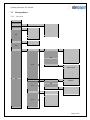
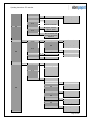
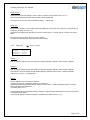
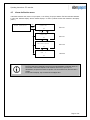
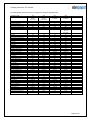
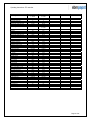
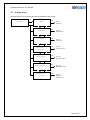
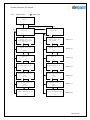
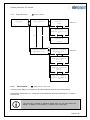
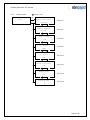
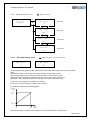
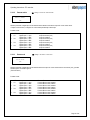
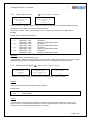
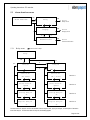
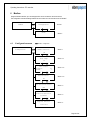
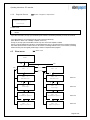
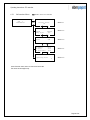
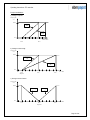
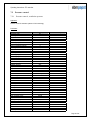
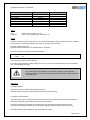
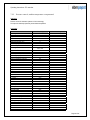
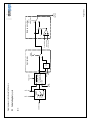
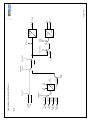
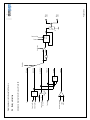
The Plant menu contains a menu item for each fan found during the initialisation run (specifying the address of the
respective fan). Thus the number of menu items can vary between 0 and 32.
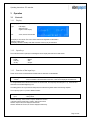
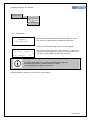
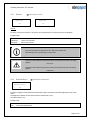
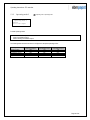
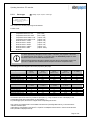
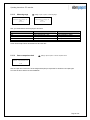
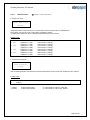
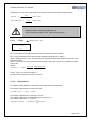
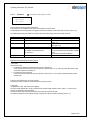
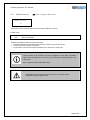
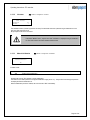
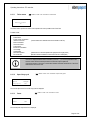
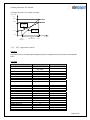
If no fan was found during the initialisation run, the following display appears in the Plant menu:
Plant
No fan found
The fan menus can then not be activated.
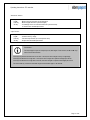
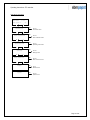
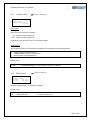
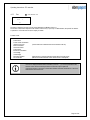
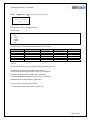
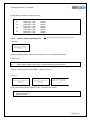
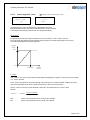
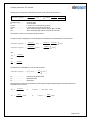
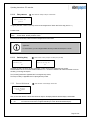
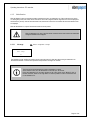
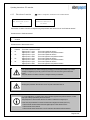
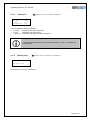
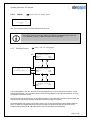
If the Modbus function is inactive (see 6.1.1), the following display appears in the Plant menu:
Plant
Bus inactive
The fan menus can then not be activated.
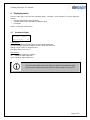
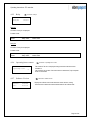
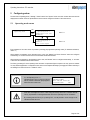
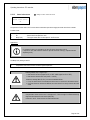
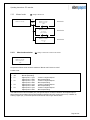
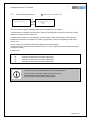
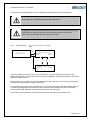
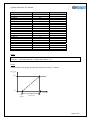
All values in the "Plant" menu are stored in the corresponding fan only.
If the connection between the control device and fan is interrupted, a question mark (?) appears
instead of the value.
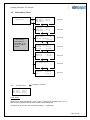
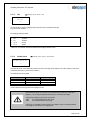
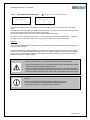
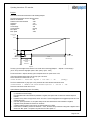
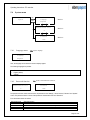
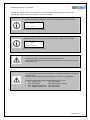
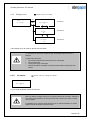
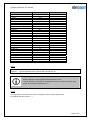
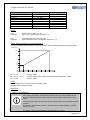
For all connected fans, ensure that the configuration of their Modbus parameters is configured to
the control device.
Otherwise, the proper interaction between the control device and fan is not guaranteed.
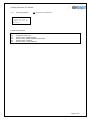
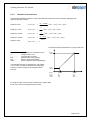
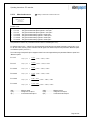
Specifically, ensure that the following Holding Registers are set correctly:
• D101 Setpoint source
Value: 0001 (RS485)
• D103 Save setpoint
Value: 0000 (do not save setpoint)
• D106 Daytime operating mode
Value: 0002 (control)
• D107 Nighttime operating mode Value: 0002 (control)
Page 65 of 92