1
Operating instructions – EC controller
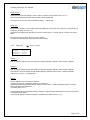
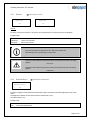
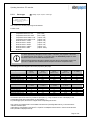
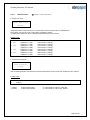
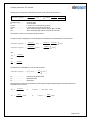
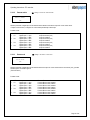
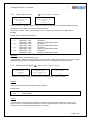
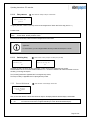
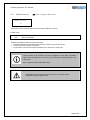
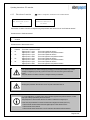
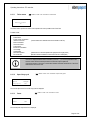
Only fan addresses that do not already exist in the network may be selected.
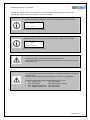
If, despite this, you select an address that is already assigned in the network, the "Write access
error" message is displayed. The fan address is not changed!
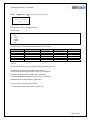
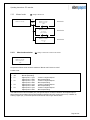
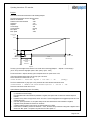
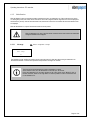
Procedure for setting up a plant:
All ebm-papst fans are delivered from the factory with the fan address 1. Therefore, when connecting multiple fans to a
control device, the fan address must be reassigned for each fan.
We recommend following this procedure:
• Connect one fan to the network and switch it on.
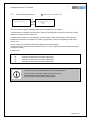
• Start the initialisation run on the control device: In the Plant menu, a fan appears with the address "1".
• Change the fan address to the value "2": The fan is then no longer accessible (question mark appears in the display)
You do not need to carry out another initialisation run for the time being.
• Connect the next fan to the network and switch it on. This fan also has fan address 1 and can be reached at this
address. To obtain a valid display, you have to exit the "Fan address" menu briefly.
• Change the fan address to the value of "3"
• After this procedure, connect one fan after another to the network. When doing so, increase the fan address by 1 for
each fan.
• Connect the last fan to the network. You can leave this fan at the address "1".
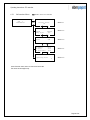
• Start the initialisation run: All fans appear in the "Plant" menu.
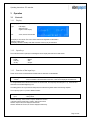
6.2.2.2
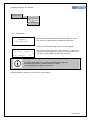
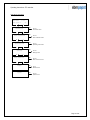
Reset
Fan
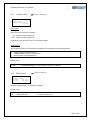
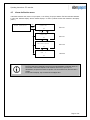
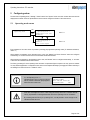
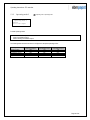
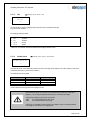
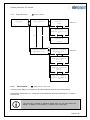
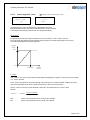
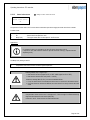
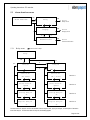
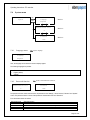
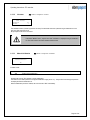
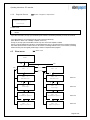
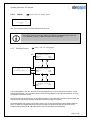
Modbus > Plant > Fan > Settings > Reset
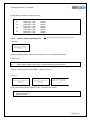
1
Reset
NO
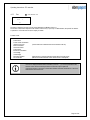
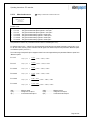
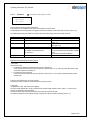
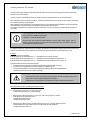
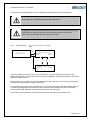
If the value is changed to "YES", a reset in the fan is triggered. This causes a defined restart of the firmware in the fan. After
the reset process in the fan is finished, the value is set to "NO" automatically.
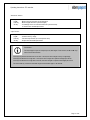
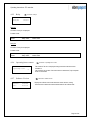
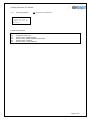
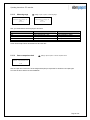
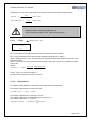
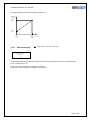
Application:
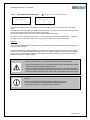
If there is a fault in the fan (see 6.2.1.1), it can be cleared by a reset only. The fan cannot restart
until the fault has been reset.
If the cause of the fault is not eliminated, the fault can reappear immediately after the reset.
Page 70 of 92