1
Introduction
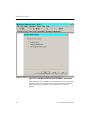
Common Fields
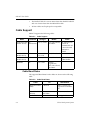
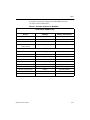
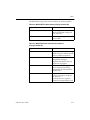
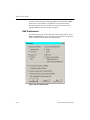
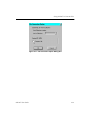
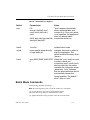
The fields shown in the following table are common to most dialog
boxes.
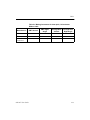
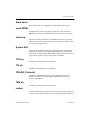
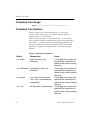
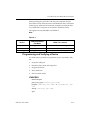
Table 1-2 Common Dialog Box Fields
Dialog Box Field
Function
OK
Closes the dialog box and implements the
intended action according to the settings in the
dialog box
Help
Displays information on that particular dialog
box
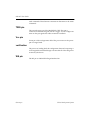
Cancel
Closes the dialog box without affecting any
action
Cancel All
Cancels the current configuration setup
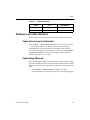
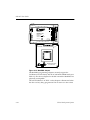
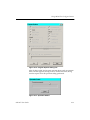
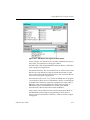
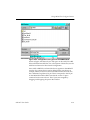
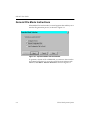
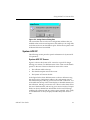
The standard file open and file save dialog boxes enable you to load a
project file or save a project file. This type of dialog box includes a file
browser.
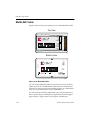
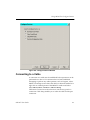
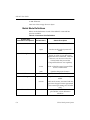
Selection Dialog Boxes
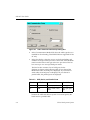
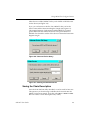
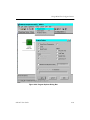
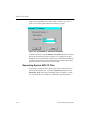
Use Selection dialog boxes to specify specific values and selections.
Selecting Commands and Dialog Box Options
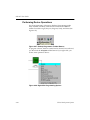
To choose a menu item, a toolbar button, or a dialog box option, you
can use the mouse or the keyboard.
Using the Mouse
iMPACT User Guide
1.
Move the mouse cursor over the object you want to select, and
click the left mouse button to select the object.
2.
To exit a dialog box without making a selection, click Cancel or
double-click the close box in the upper left corner of the dialog
box.
3.
To obtain help, click Help in the dialog box.
1-11