1
VQT1G28ENG_L10KP.book
73 ページ 2007年9月6日 木曜日 午前9時29分
Advanced
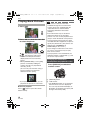
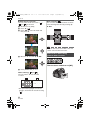
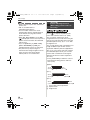
∫ Changing the settings for [STEP] and
[SEQUENCE] in auto bracket
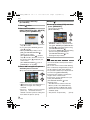
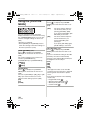
5 Press [MENU/SET] twice to close
the menu.
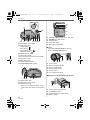
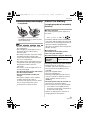
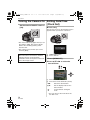
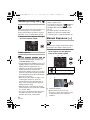
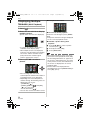
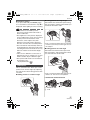
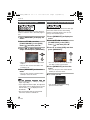
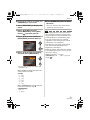
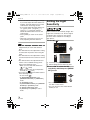
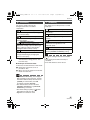
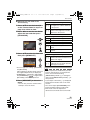
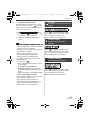
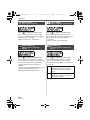
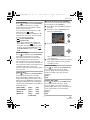
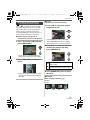
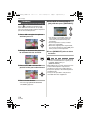
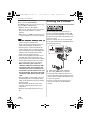
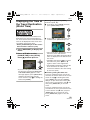
1 Press [MENU/SET] to display the
menu.
• You can also press the shutter button
halfway to close the menu.
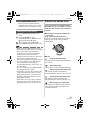
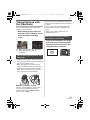
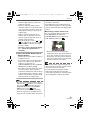
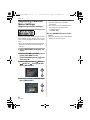
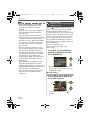
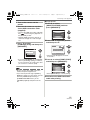
2 Press 3/4/2/1 to select
[AUTO BRACKET] in the [REC]
menu [ ] and then press 1.
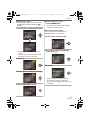
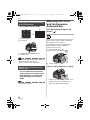
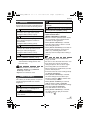
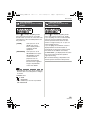
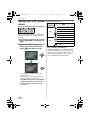
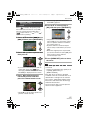
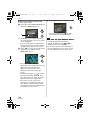
3 Press 3/4 to select [STEP] or
[SEQUENCE] and then press 1.
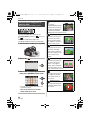
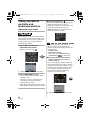
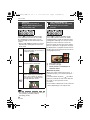
4 Press 3/4 to select the setting
and then press [MENU/SET].
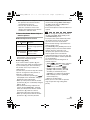
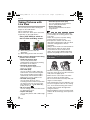
• When taking pictures using auto bracket
after setting the exposure compensation
range, the pictures taken are based on the
selected exposure compensation range.
• The auto review function is activated
regardless of the setting for auto review.
(The picture is not enlarged.)
• The exposure may not be compensated
with auto bracket depending on the
brightness of the subject.
• When the flash is activated or the number
of recordable pictures is 2 or less, you can
take only 1 picture.
• [STEP] is fixed to [ 1/3EV ] and
[SEQUENCE] is fixed to [0/j/i] in auto
mode [
].
MENU
/SET
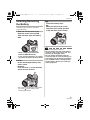
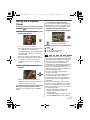
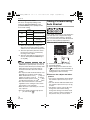
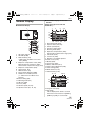
• You can also use the front dial or the
rear dial to set.
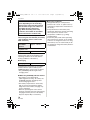
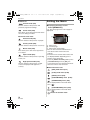
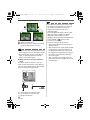
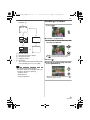
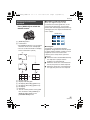
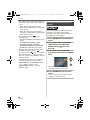
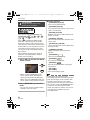
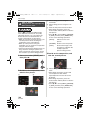
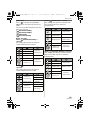
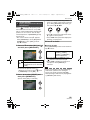
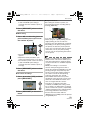
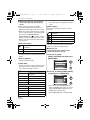
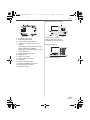
When [STEP] has been selected in the
screen shown in step 3
• [STEP]
– [ 1/3EV ]
– [ 2/3EV ]
– [ 1EV ]
– [ 11/3EV ]
– [ 12/3EV ]
– [ 2EV ]
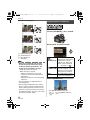
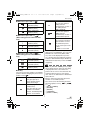
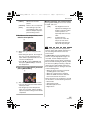
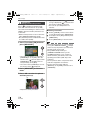
When [SEQUENCE] has been selected
in the screen shown in step 3
• [SEQUENCE]
– [0/`/_]
– [`/0/_]
73
VQT1G28