1
HAL S1030 User Guide
PALETTE ITEMS
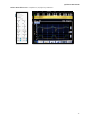
The Details tab is also used to create palette items. A palette item stores a set of preprogrammed
physiological parameters in a single loadable item. Use a palette item to quickly load several
physiological parameters at once. Palette items are also used in scenarios as covered in the next
section.
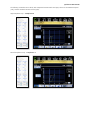
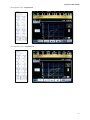
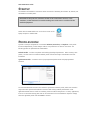
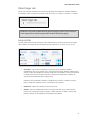
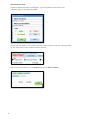
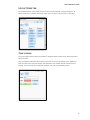
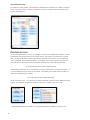
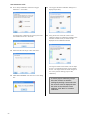
To create a palette item, set several physiological parameters on the Details tab and click the Save as
Palette Item button near the top of the page.
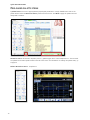
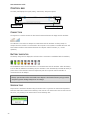
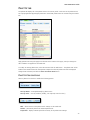
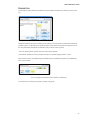
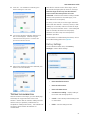
On the Save as Palette Item window, enter the name and palette description. Assign one of four colorcoding labels for easier identification and click Save.
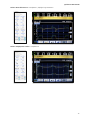
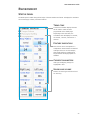
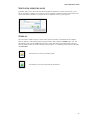
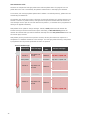
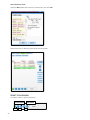
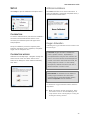
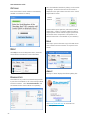
Once a palette is created, it is listed in the Palette tab library. Different palette items are then used to
create scenarios. For more information on scenarios see page 34
32