1
MUR
ProScript
Review Type and PCO Permission:
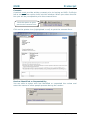
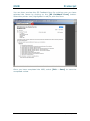
If you did not select the review type in the initial MUR Items screen, you
can do so here. Select whether the review is an Annual MUR or a
Prescription Intervention and whether it is Targeted or Non-Targeted. You
can choose the type of Targeted MUR from the drop down list.
If you have been granted permission to conduct the MUR at a site other
than the pharmacy, select the tick box.
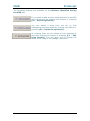
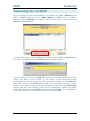
Healthy Living Advice Provided at MUR:
You can select from the list below if you have provided any healthy living
advice. You also have the option to specify if healthy living advice is “not
applicable”:
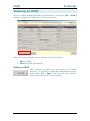
Next MUR Due:
The Next Due Date is located at the top of the MUR Details window and
is where you can set the date for the next MUR. By default it is set one
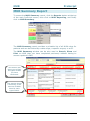
year from today’s date as most MURs are done annually. If you need to
change it, press the calendar icon
and choose the date you require by
double left-clicking on the date with the mouse.
13
Rx Systems © 2012