1
Owings
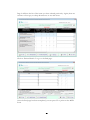
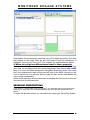
There may be times where you cannot dispense the full amount of an item on a
prescription. For this you will need to create an owing.
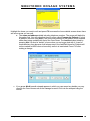
Dispense the item as normal, but instead of pressing F6 or F8 to add another
item/finish script, press F2 to create an owing.
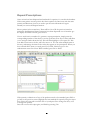
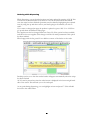
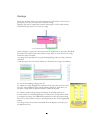
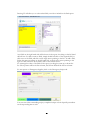
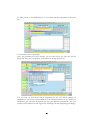
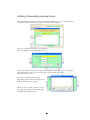
In the owings box, type in the amount that will be supplied now, then press ENTER.
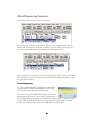
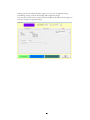
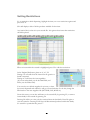
The label on the right of the screen will now turn yellow to show that it is an owing.
Finish the script as normal.
An owing can be produced at any point during labeling, and even after it has been
endorsed.
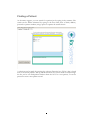
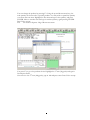
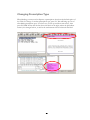
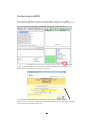
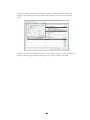
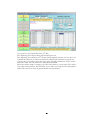
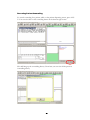
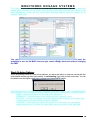
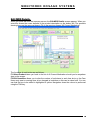
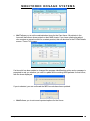
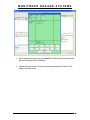
A red message in the start screen informs you that there are owings outstanding.
To view all outstanding owings, press F2.
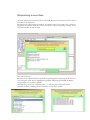
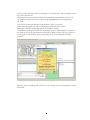
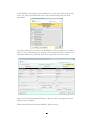
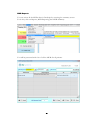
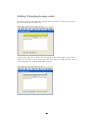
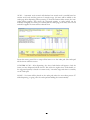
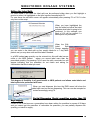
To redeem an owing, highlight the required item by using the arrow keys and
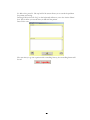
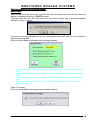
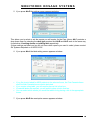
press F2. This will bring up the yellow redeem owing box. From here, you
can print a single label, or split the number of labels if required.
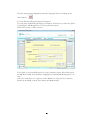
To redeem a partial owing, change the quantity in the label split box, to
however many you will be dispensing now. Press F10 to accept and say YES
to complete the owing. The PMR will be updated to reflect the partial owing.
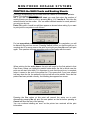
The F1 key (‘This Patient’) will go to the dispensing screen for the highlighted
patient.
An owing can also be created or amended from the Reprint screen (F6) (see
the Reprint section)
27