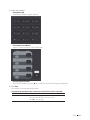
1
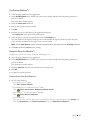
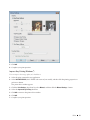
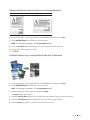
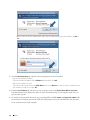
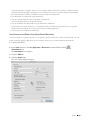
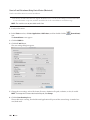
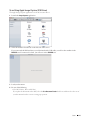
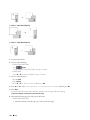
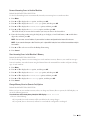
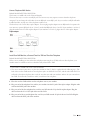
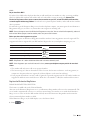
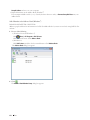
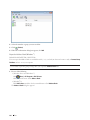
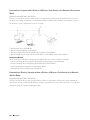
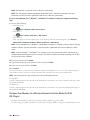
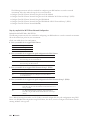
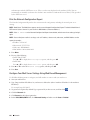
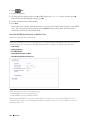
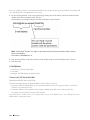
2. Type "http://machine's IP address" in your browser's address bar (where "machine's IP address" is the machine's
IP address).
For example: http://192.168.1.2
NOTE: If you are using a Domain Name System or enable a NetBIOS name, you can type another name, such as
"SharedPrinter" instead of the IP address.
•For example:
http://SharedPrinter
If you enable a NetBIOS name, you can also use the node name.
•For example:
http://DELL000499
The NetBIOS name can be found in the Network Configuration Report.
NOTE: For Macintosh, access Web Based Management by clicking the machine's icon on the Status Monitor
screen.
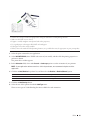
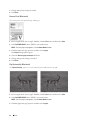
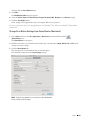
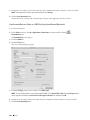
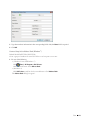
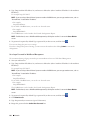
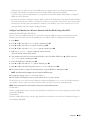
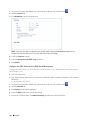
3. No password is required by default. Type a password if you have set one, and then click
.
You can now change the print server settings.
If you have changed the protocol settings, you must restart the machine after clicking Submit to activate the
configuration.
Set a Logon Password for Web Based Management
We recommend setting a logon password to prevent unauthorized access to Web Based Management.
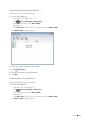
1. Start your web browser.
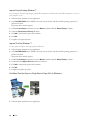
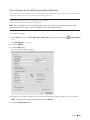
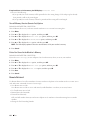
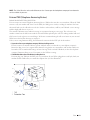
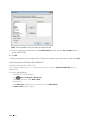
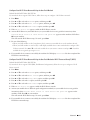
2. Type "http://machine's IP address" in your browser's address bar (where "machine's IP address" is the machine's
IP address).
For example: http://192.168.1.2
NOTE: If you are using a Domain Name System or enable a NetBIOS name, you can type another name, such as
"SharedPrinter" instead of the IP address.
•For example:
http://SharedPrinter
If you enable a NetBIOS name, you can also use the node name.
•For example:
http://DELL000499
The NetBIOS name can be found in the Network Configuration Report.
NOTE: For Macintosh, access Web Based Management by clicking the machine's icon on the Status Monitor
screen.
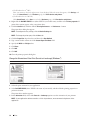
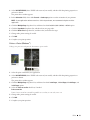
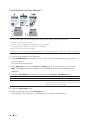
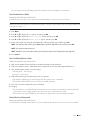
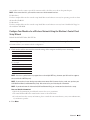
3. No password is required by default. Type a password if you have set one, and then click
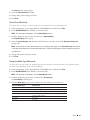
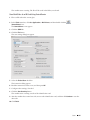
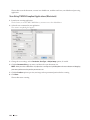
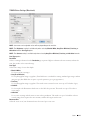
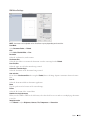
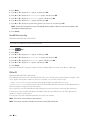
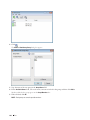
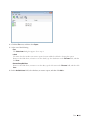
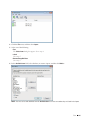
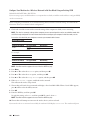
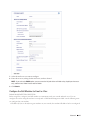
4. Click Administrator.
5. Type the password you want to use (up to 32 characters).
6. Retype the password in the Confirm New Password box.
198
Network
.