1
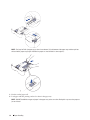
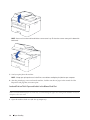
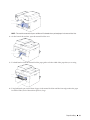
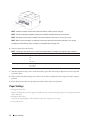
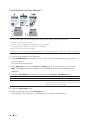
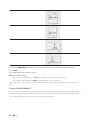
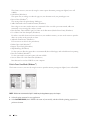
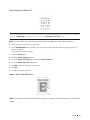
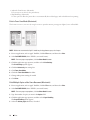
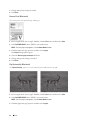
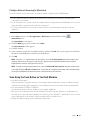
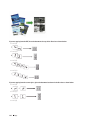
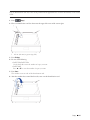
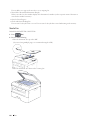
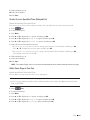
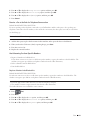
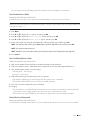
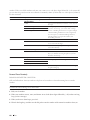
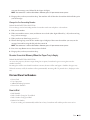
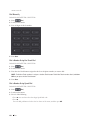
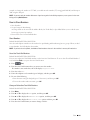
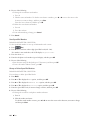
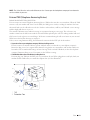
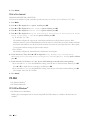
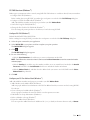
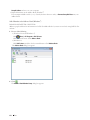
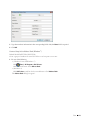
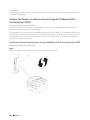
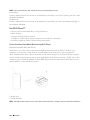
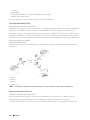
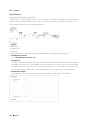
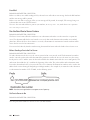
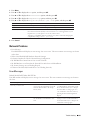
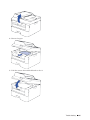
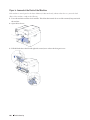
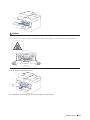
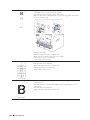
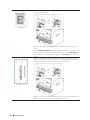
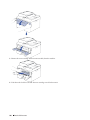
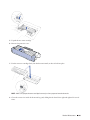
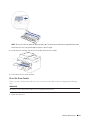
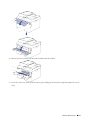
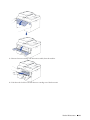
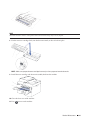
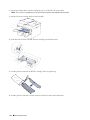
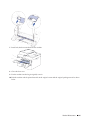
5. Unpack the new toner cartridge.
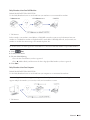
6. Remove the protective cover.
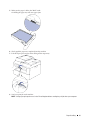
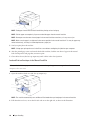
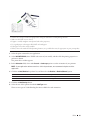
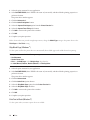
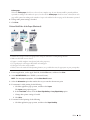
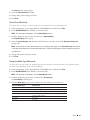
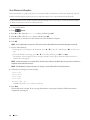
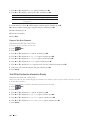
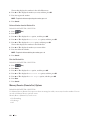
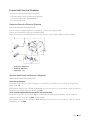
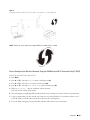
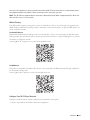
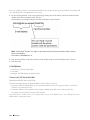
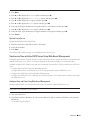
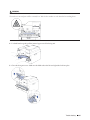
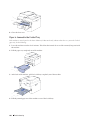
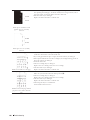
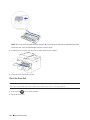
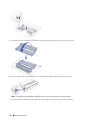
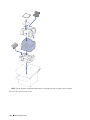
7. Put the new toner cartridge firmly into the drum unit until you hear it lock into place.
NOTE: Make sure you put the toner cartridge in correctly or it may separate from the drum unit.
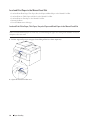
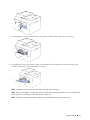
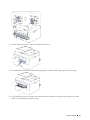
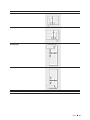
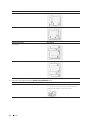
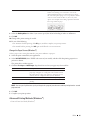
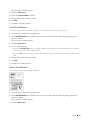
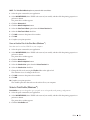
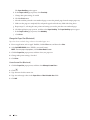
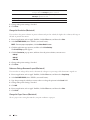
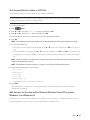
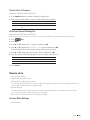
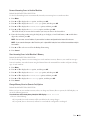
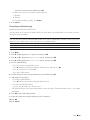
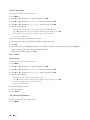
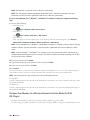
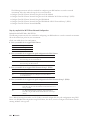
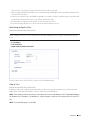
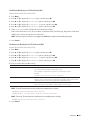
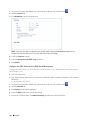
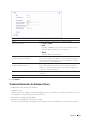
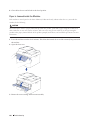
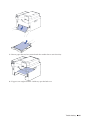
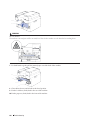
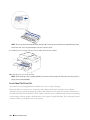
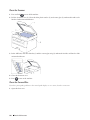
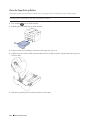
8. Clean the corona wire inside the drum unit by gently sliding the tab from left to right and right to left several
times.
Routine Maintenance
309