1
3
5.
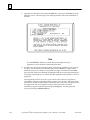
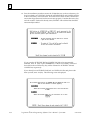
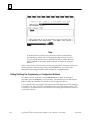
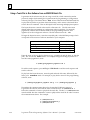
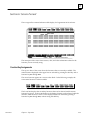
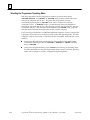
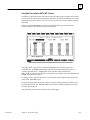
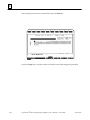
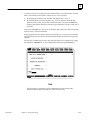
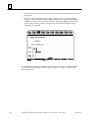
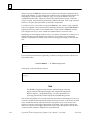
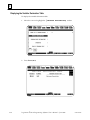
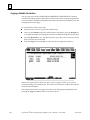
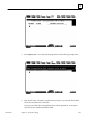
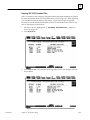
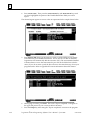
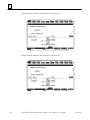
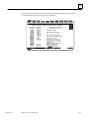
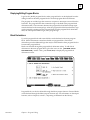
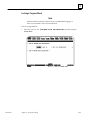
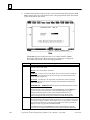
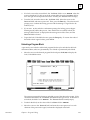
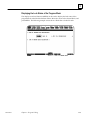
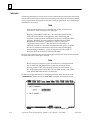
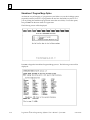
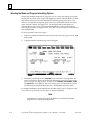
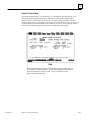
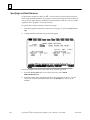
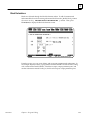
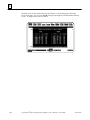
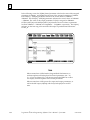
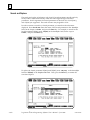
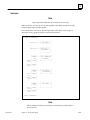
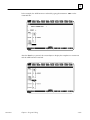
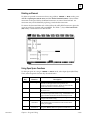
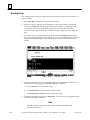
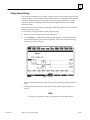
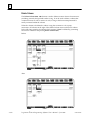
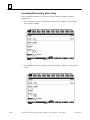
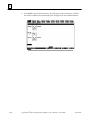
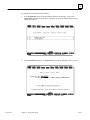
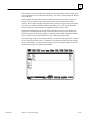
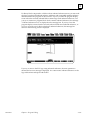
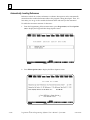
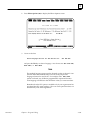
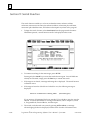
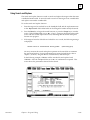
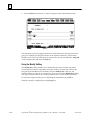
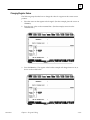
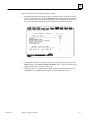
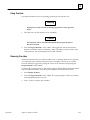
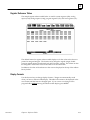
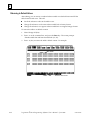
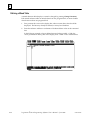
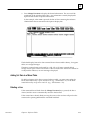
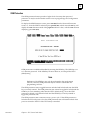
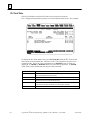
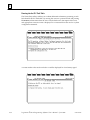
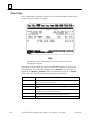
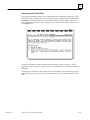
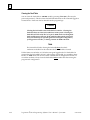
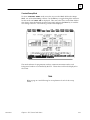
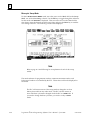
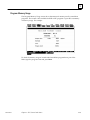
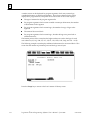
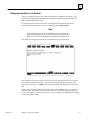
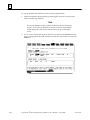
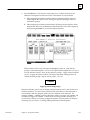
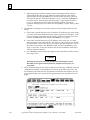
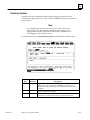
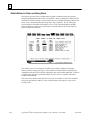
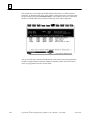
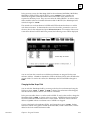
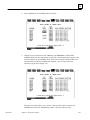
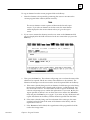
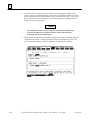
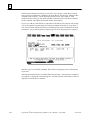
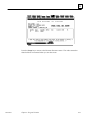
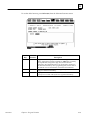
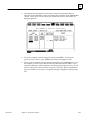
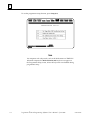
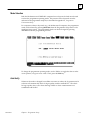
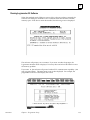
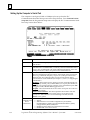
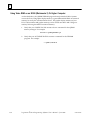
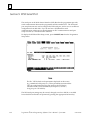
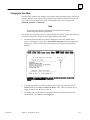
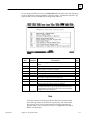
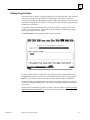
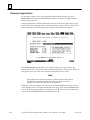
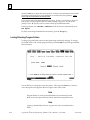
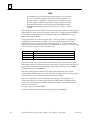
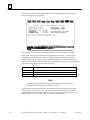
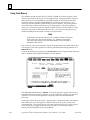
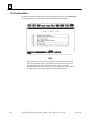
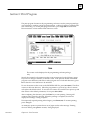
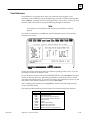
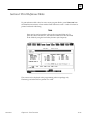
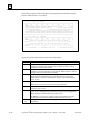
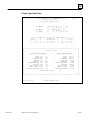
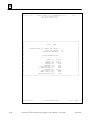
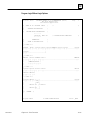
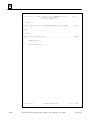
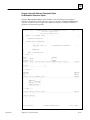
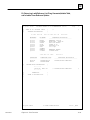
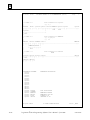
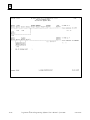
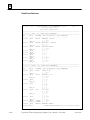
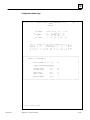
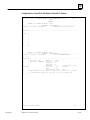
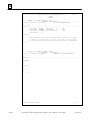
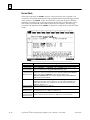
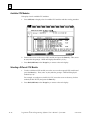
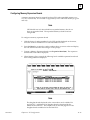
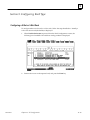
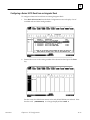
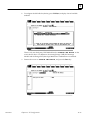
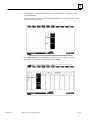
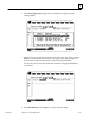
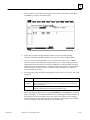
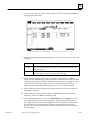
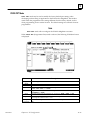
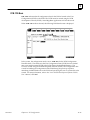
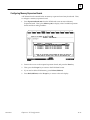
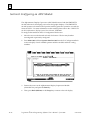
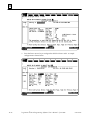
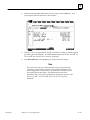
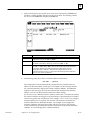
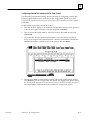
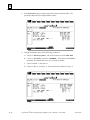
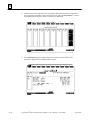
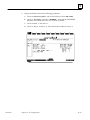
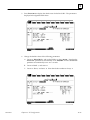
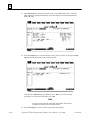
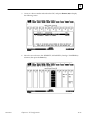
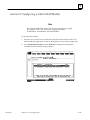
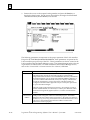
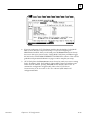
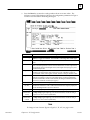
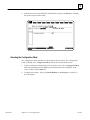
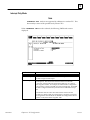
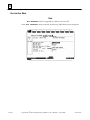
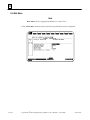
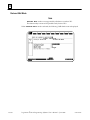
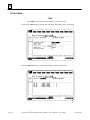
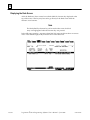
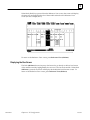
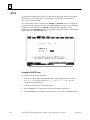
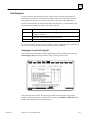
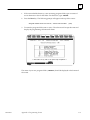
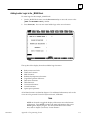
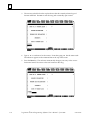
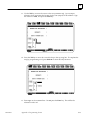
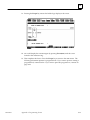
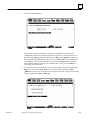
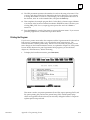
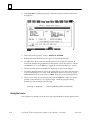
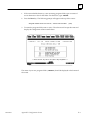
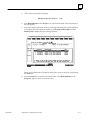
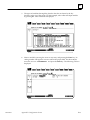
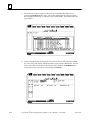
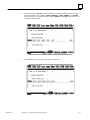
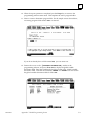
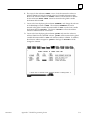
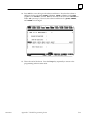
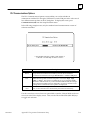
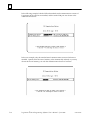
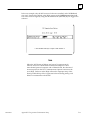
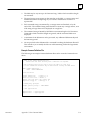
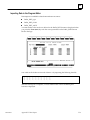
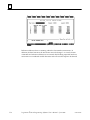
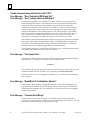
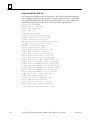
Press import (F7). You will see the message shown in the following sample screen.
6.
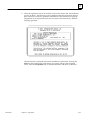
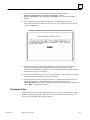
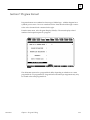
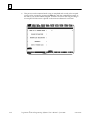
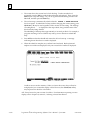
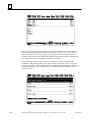
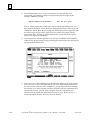
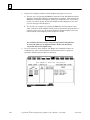
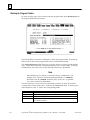
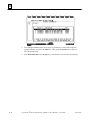
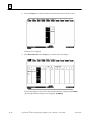
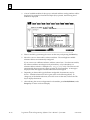
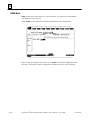
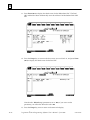
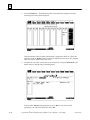
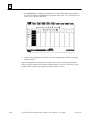
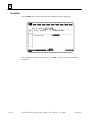
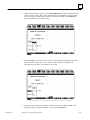
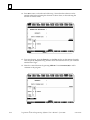
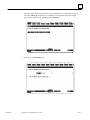
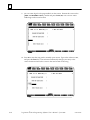
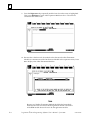
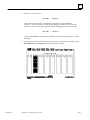
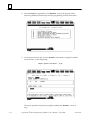
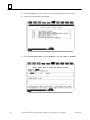
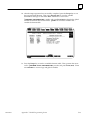
Type the file name. The path is optional because in Step 1 you ensured that the SNF
was in the same directory as the folder.
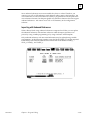
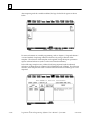
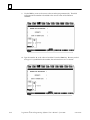
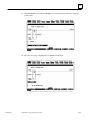
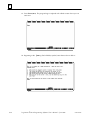
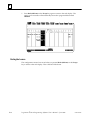
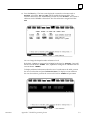
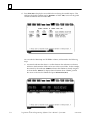
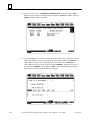
As long as your SNF follows the guidelines discussed in Appendix K, it will import
correctly into the Variable Declarations Table.
GFK-0263G
Chapter 3 Program Editing
3-47