1
574D06-B.book Page 1 Wednesday, November 21, 2007 11:15 AM
Getting Started
How to Use This Guide . . . . . . . . . . . . . . . . . . . . . . . . . page 1
What Your Dealer/System Administrator Can Tell You . page 1
How to Use This Guide
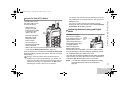
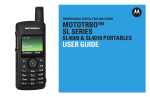
This User Guide covers the basic operation of the MOTOTRBO
Portables.
You can consult your dealer or system administrator about the
following:
• Is your radio programmed with any preset conventional
channels?
• Which buttons have been programmed to access other
features?
• What optional accessories may suit your needs?
Getting Started
Take a moment to review the following:
What Your Dealer/System Administrator
Can Tell You
However, your dealer or system administrator may have
customized your radio for your specific needs. Check with your
dealer or system administrator for more information.
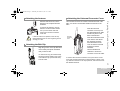
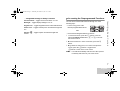
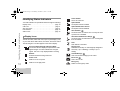
Throughout this publication, two icons are used to differentiate
Analog mode and Digital mode only features:
Indicates an Analog Mode only feature.
Indicates a Digital Mode only feature.
For features that are available in both Analog and Digital
modes, no icon is shown.
1
English