1
Chapter 6
Network Security
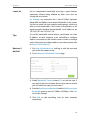
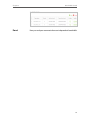
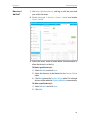
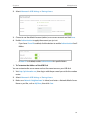
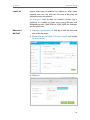
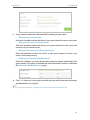
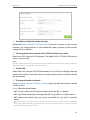
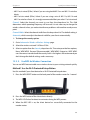
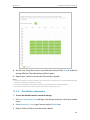
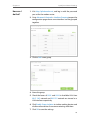
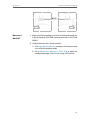
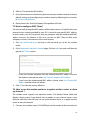
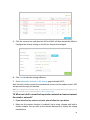
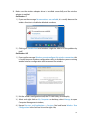
3. Bind your device(s) according to your needs.
To bind the connected device(s)
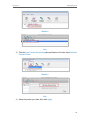
1 ) Select the device(s) to be bound in the ARP List.
2 ) Click Bind to add to the Binding List.
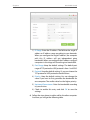
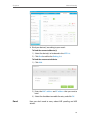
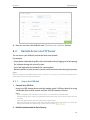
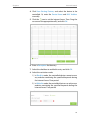
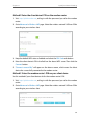
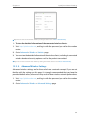
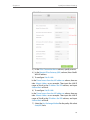
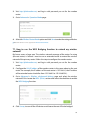
To bind the unconnected device
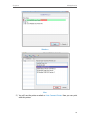
1 ) Click Add.
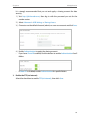
2 ) Enter the MAC address and IP address that you want to
bind.
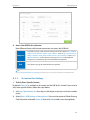
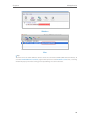
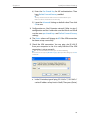
3 ) Select the checkbox to enable the entry and click OK.
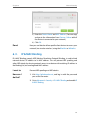
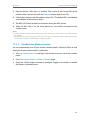
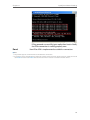
Done!
Now you don’t need to worry about ARP spoofing and ARP
attacks.
28