1
Chapter 9
Parental Controls
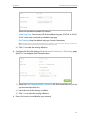
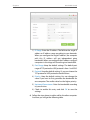
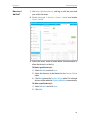
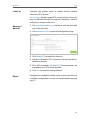
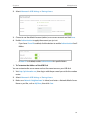
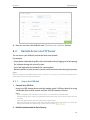
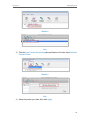
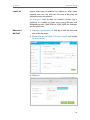
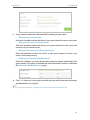
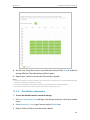
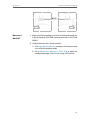
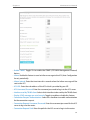
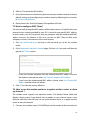
9. Click Add a New Keyword. You can add up to 200 keywords
for both Blacklist and Whitelist. Below are some sample
entries to allow access.
1 ) Enter a web address (e.g. www.tp-link.com) or a web
address keyword (e.g. wikipedia) to only allow or block
access to the websites containing that keyword.
2 ) Specify the domain suffix (eg. .edu or .org) to allow access
only to the websites with that suffix.
3 ) If you wish to block all Internet browsing access, do not
add any keyword to the Whitelist.
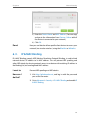
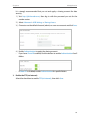
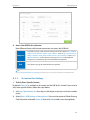
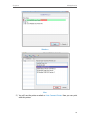
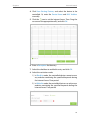
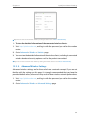
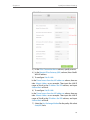
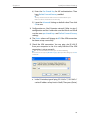
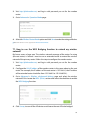
10.Enter the keywords or websites you want to add and click
Save.
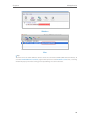
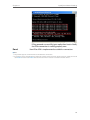
Done!
Now you can control your children’s Internet access according
to your needs.
48