1
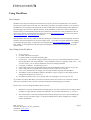
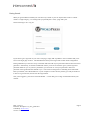
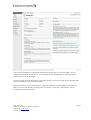
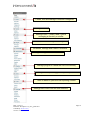
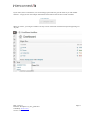
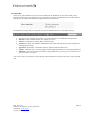
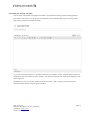
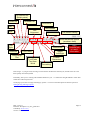
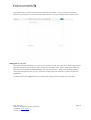
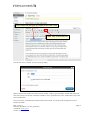
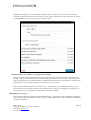
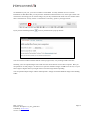
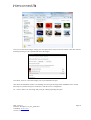
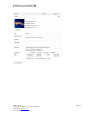
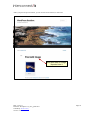
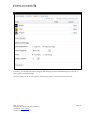
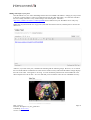
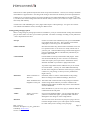
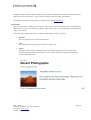
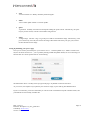
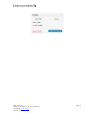
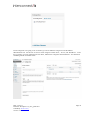
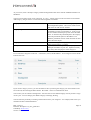
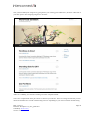
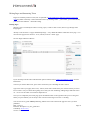
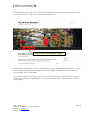
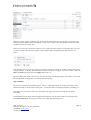
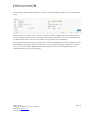
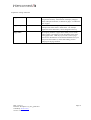
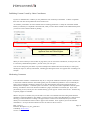
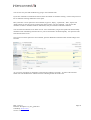
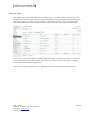
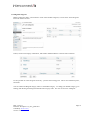
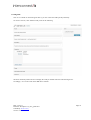
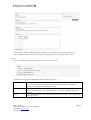
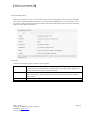
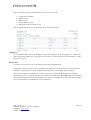
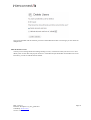
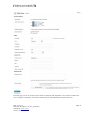
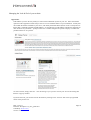
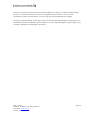
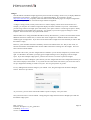
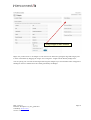
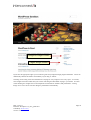
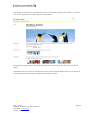
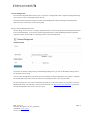
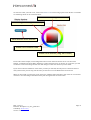
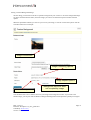
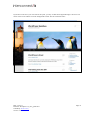
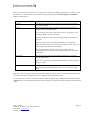
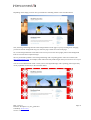
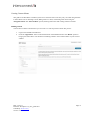
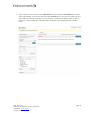
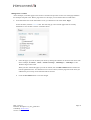
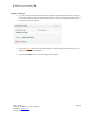
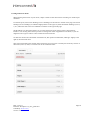
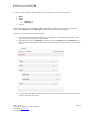
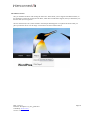
The Admin Bar At the top of your WordPress site you will see the admin bar. By default this is only shown when you are logged in and browsing the website but it can be switched on or off for the administration area and website by visiting your user profile and checking the appropriate boxes shown below. The admin bar itself provides you with quick access to the administration area in the following ways: The user section, including quick links to your profile editing screen, dashboard and logout link Edit Post: A link to edit the current post or page you are on Add New: A dropdown to quickly add a new post or page Comments: A link to the comments administration area which will indicate how many comments are awaiting approval if any Appearance: Quick links to the theme selection, widgets and menus admin areas Updates: A link that shows you if any plugins require updating and takes you to the plugin admin area Shortlink: A short version of the current post or page address that you can copy for use with a service such as Twitter to save space You can also search your website‟s content directly from the admin bar using the search box on the right hand side. Date: 13/10/11 Filename: Wordpress-3.2_user_guide.docx Created By: David Coveney Version: 3.2 Page 12