1
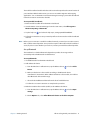
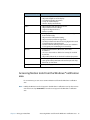
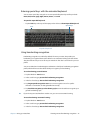
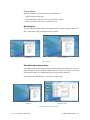
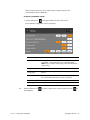
4. Tap Change automatic learning settings.
5. Select Don’t use automatic learning, and delete any previously collected data.
You can find other handwriting applications at the Motion Computing Store.
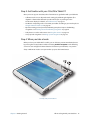
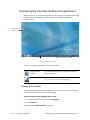
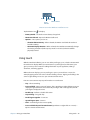
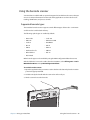
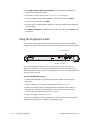
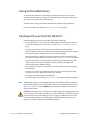
Using the front panel buttons
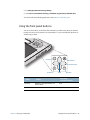
You can use the buttons on the front of the Tablet PC to perform many functions without
having to use the pen. The buttons are customizable, so you can modify their functions to
suit the way you work.
A
B
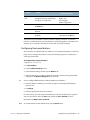
Function
Dashboard
Directional pad
A button
Button
Primary
Enter
B button
Secondary
(Function+button)
Function
Activates secondary function for
other buttons
N/A
Dashboard
Starts Motion Dashboard
Opens Windows® Journal™
Chapter 2 Using your C5te/F5te
Using the front panel buttons 28