1
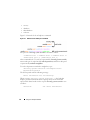
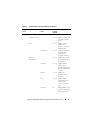
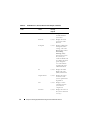
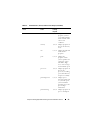
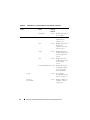
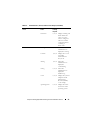
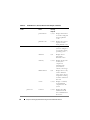
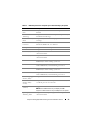
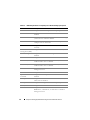
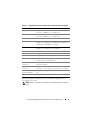
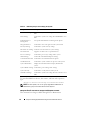
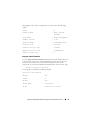
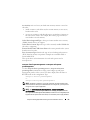
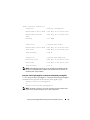
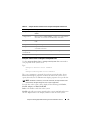
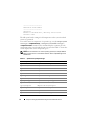
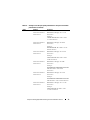
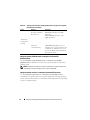
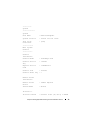
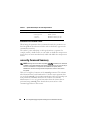
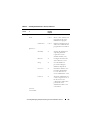
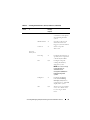
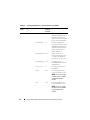
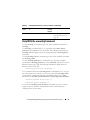
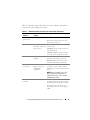
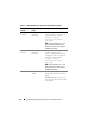
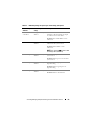
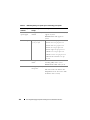
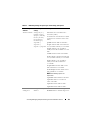
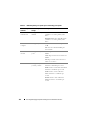
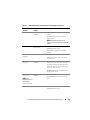
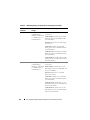
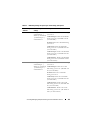
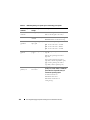
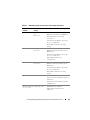
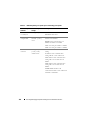
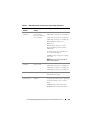
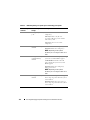
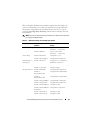
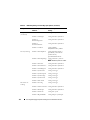
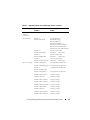
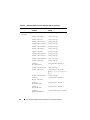
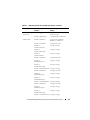
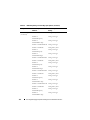
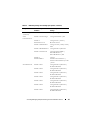
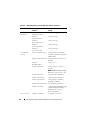
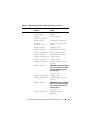
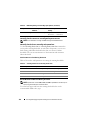
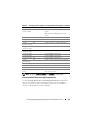
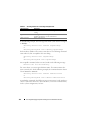
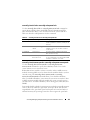
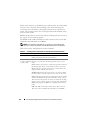
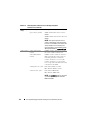
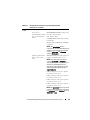
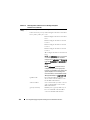
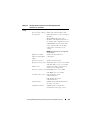
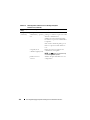
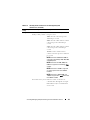
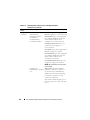
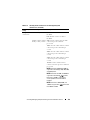
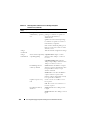
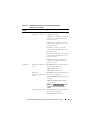
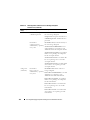
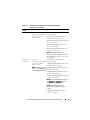
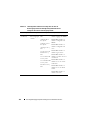
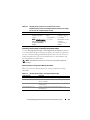
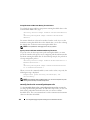
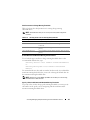
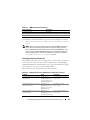
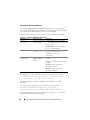
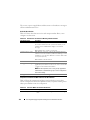
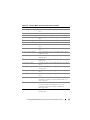
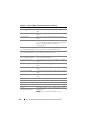
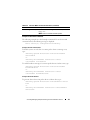
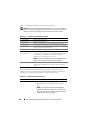
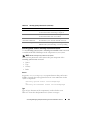
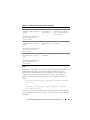
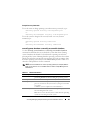
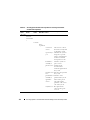
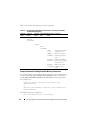
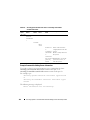
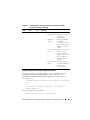
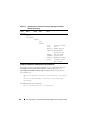
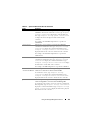
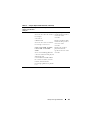
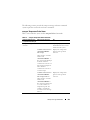
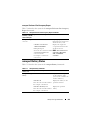
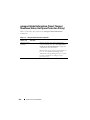
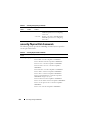
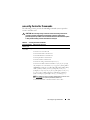
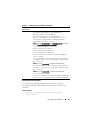
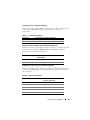
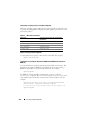
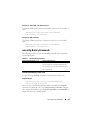
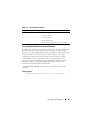
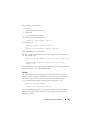
Table 4-28.
System Event Severity Parameters (continued)
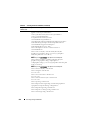
Command
Result
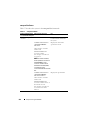
omconfig system events type=
<component name> severity=
warning
or
omconfig servermodule events
type=<component name>
severity=warning
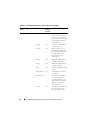
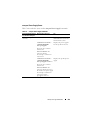
omconfig system events type=
<component name> severity=
critical
or
omconfig servermodule events
type=<component name>
severity=critical
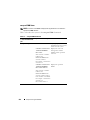
omconfig system events type=
<component name> severity=
none
or
omconfig servermodule events
type=<component name>
severity=none
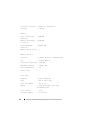
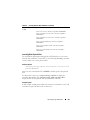
Enables notification Omits informational event
for warning and
notification, for example,
critical events.
when a component returns
to normal status.
Description
Enables notification Restrictive form of event
for critical events
notification.
only.
Disables event
notification.
No event notification.
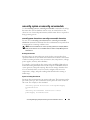
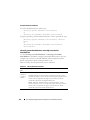
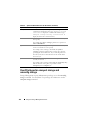
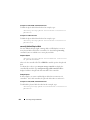
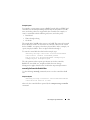
Index
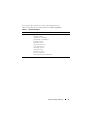
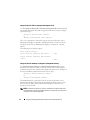
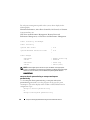
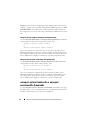
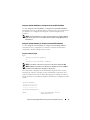
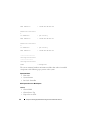
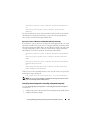
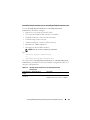
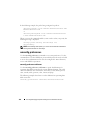
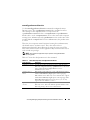
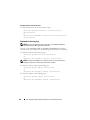
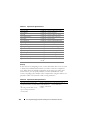
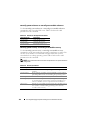
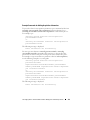
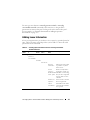
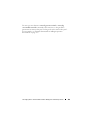
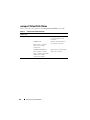
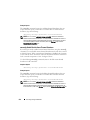
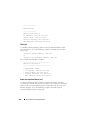
Index refers to the number of an event for a particular component. Index is an
optional parameter. When you omit the index parameter, events are
configured for all components of the specified type, such as all fans. For
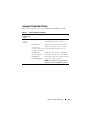
example, when a system contains more than one fan, you can enable or
disable event notification for a particular fan. An example command is as
follows:
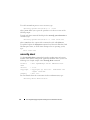
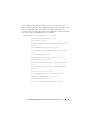
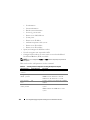
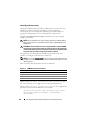
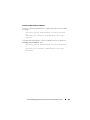
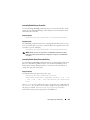
omconfig system events type=fan index=0 severity=
critical
or
omconfig servermodule events type=fan index=0
severity=critical
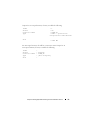
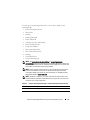
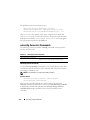
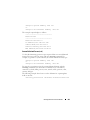
As a result of the example command, Server Administrator sends an SNMP
trap only when the first fan in the system chassis (index 0) has reached critical
fan RPMs.
omconfig: Managing Components Using the Instrumentation Service
165