1
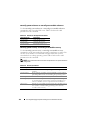
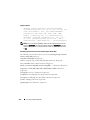
omconfig Convert Non-RAID to RAID
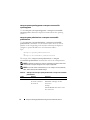
Use the following omconfig command to convert non-RAID to RAID on a
physical disk.
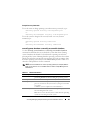
Complete Syntax
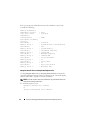
omconfig storage pdisk action=convertnonraidtoraid
controller=id pdisk=<PDISKID>
where id is the controller ID. The <PDISK> variable specifies the physical
disk.
To obtain these values, type omreport storage controller to display the
controller IDs and then type omreport storage pdisk controller=ID to
display the IDs for the physical disks attached to the controller.
NOTE: To convert multiple non-RAID to RAID on a given controller, use omconfig
storage controller action=convertnonraidtoraid command. For more information,
see "omconfig Convert Multiple Non-RAID to RAID" on page 263.
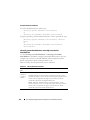
Example Syntax
In this example, to convert non-RAID to RAID on physical disk 3 on
connector 0 of controller 1. On a SAS controller, the physical disk resides in
enclosure 2.
Example for SAS Controllers
To convert non-RAID to RAID on the physical disk described in this example,
type:
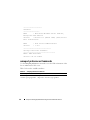
omconfig storage pdisk action=nonraidtoraid
controller=1 pdisk=0:2:3
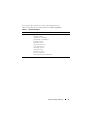
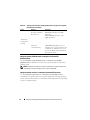
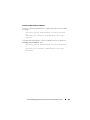
omconfig Virtual Disk Commands
The following sections provide the omconfig command syntax required to
execute virtual disk tasks.
CAUTION: The omconfig storage vdisk action=deletevdisk controller=id vdisk=id
command deletes a virtual disk. Deleting a virtual disk destroys all information
including file systems and volumes residing on the virtual disk.
224
omconfig storage Commands