1
33. How do I use the Gold/Base VM ?
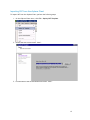
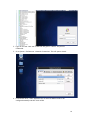
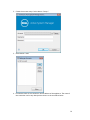
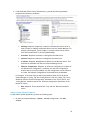
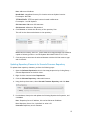
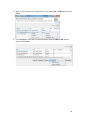
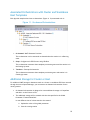
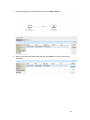
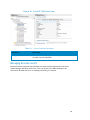
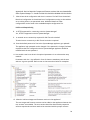
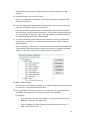
Go to ASM logical template , Click on VirtualMachine resource type , Click on Add
button associate the discovered VM images as shown in below screenshot:
34. Can I add new VLANs to a running physical session?
Yes, you can add new VLANs to a running session.
To add VLANs to a running session, perform the following steps:
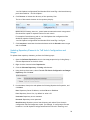
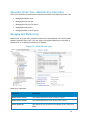
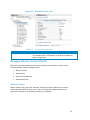
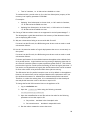
a. From Components view, drag and drop a new VLAN component in a running
session.
b. Click Save in order to save the changes done to the running session.
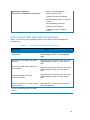
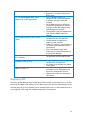
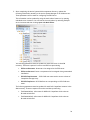
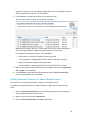
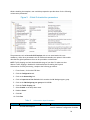
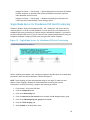
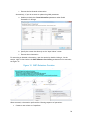
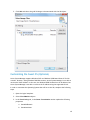
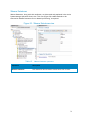
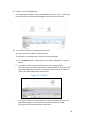
This step reserves a random VLAN ID from a range defined on the switch in the
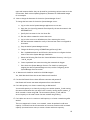
Active System Manager Inventory. To specify a specific VLAN ID, provide the
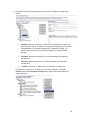
value in the VLAN component as shown below:
Figure 35. VLAN ID
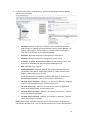
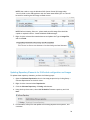
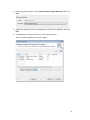
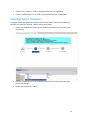
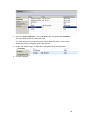
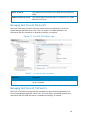
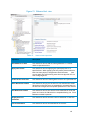
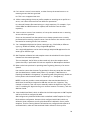
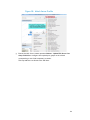
c. From the link view in the running session, create the required links from the
new VLAN component to the Dell Server instance and save the session.
This step provisions the new VLANs on the switch.
99