1
Books
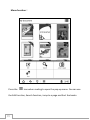
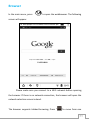
In the main menu press
to open the library with e-books.
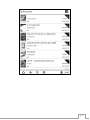
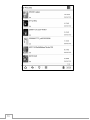
This view shows books that are stored in the Documents folder stored on
local memory and memory card; The Books interface has two display
modes: list details and shelf. Press
1.
to switch the display mode.
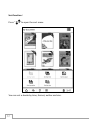
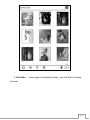
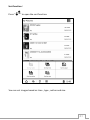
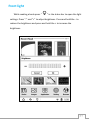
Book shelf mode 9:each page display 9 ebooks, 3*3. You can
use the page turning buttons or touch the screen to select
the ebooks. It will display the book cover if the ebook
contains one. If the book does not contain a cover, it will
display our default setting and the reading status will be
displayed in the upper right corner
2.
Book shelf mode 6: each page display 6 ebooks, 2*3. You can
use the page turning buttons or touch the screen to select
the ebooks. It will display the book cover if the ebook
contains one. If the book does not contain a cover, it will
display our default setting and the reading status will be
displayed in the upper right corner. This mode shows more
details on the books than in book shelf mode 9.
15