1
84
Configuring KIRK Wireless Server 600v3
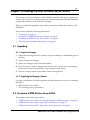
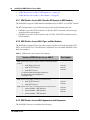
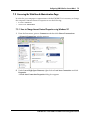
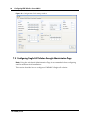
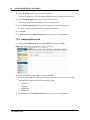
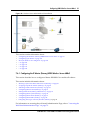
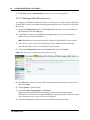
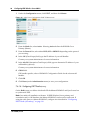
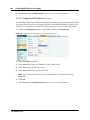
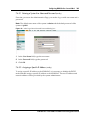
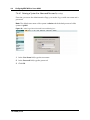
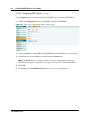
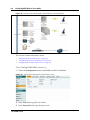
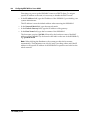
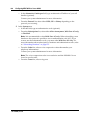
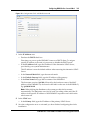
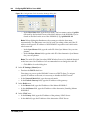
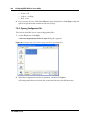
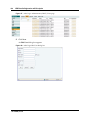
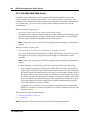
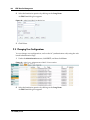
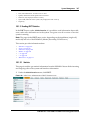
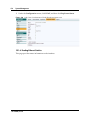
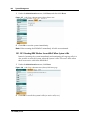
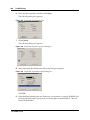
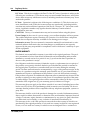
Figure 18 Adm. Page: Enter Network Password dialog box
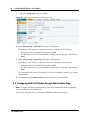
1
In the User Name field, type admin.
2
In the Password field, type ip1200.
3
Click OK.
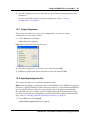
7.5.2 Assigning a Specific IP Address
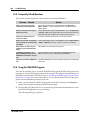
To assign a specific IP address to the KWS600v3, it is necessary to disable the DCHP
mode and then assign a specific IP address to the KWS600v3. The new IP address and
network address will be provided by the system administrator.
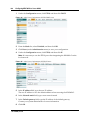
1
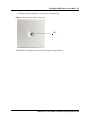
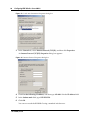
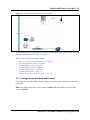
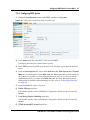
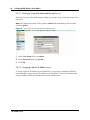
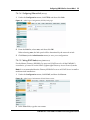
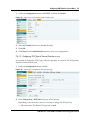
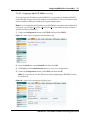
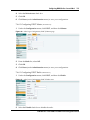
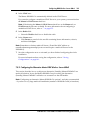
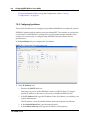
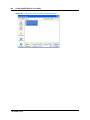
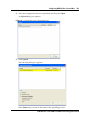
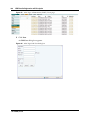
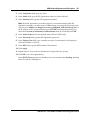
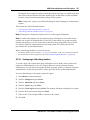
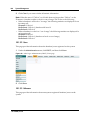
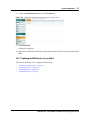
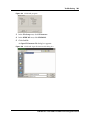
Under the Configuration menu, click ETH0, and then click DHCP.
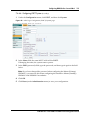
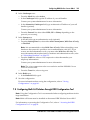
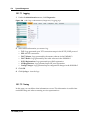
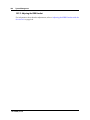
Figure 19 Adm. Page: Configuration/ETH0/DHCP page
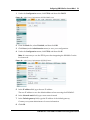
2
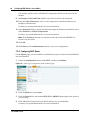
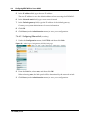
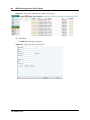
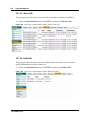
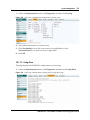
From the Mode list, select Disabled, and then click OK.
3
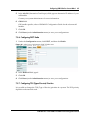
Click Reset (under Administration menu) to save your configuration.
4
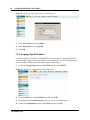
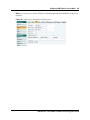
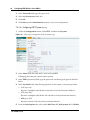
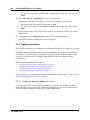
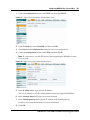
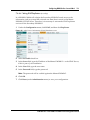
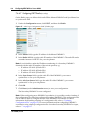
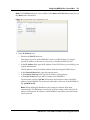
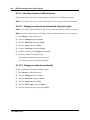
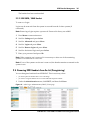
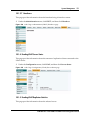
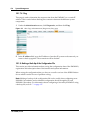
Under the Configuration menu, click ETH0, and then click IP.
14117800, Ed.2.6