1
Build Properties for S08
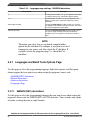
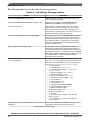
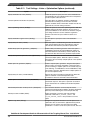
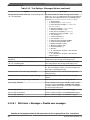
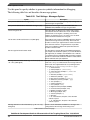
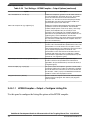
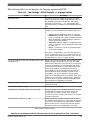
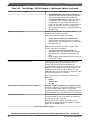
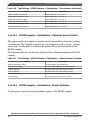
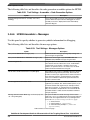
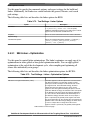
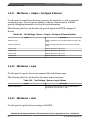
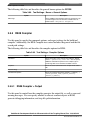
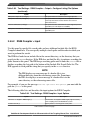
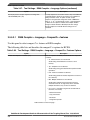
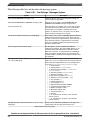
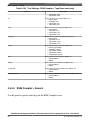
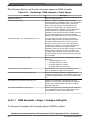
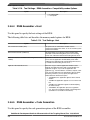
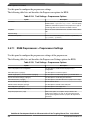
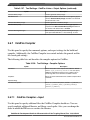
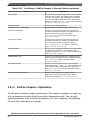
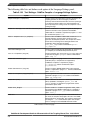
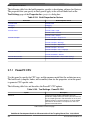
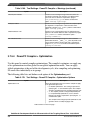
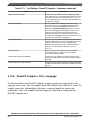
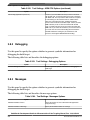
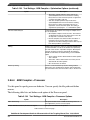
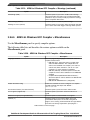
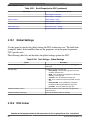
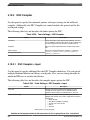
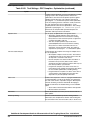
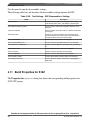
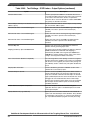
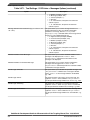
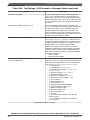
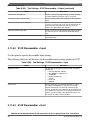
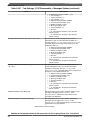
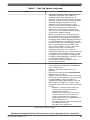
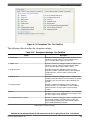
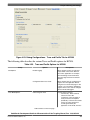
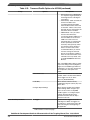
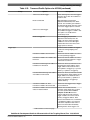
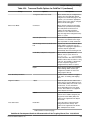
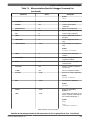
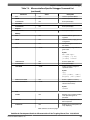
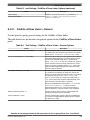
Table 3-52. Tool Settings - Assembler > Output > Configure listing file Options (continued)
Option
Description
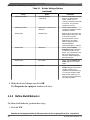
Do not write the source line (-Lasmc=s)
Do not print source column in the listing file
Do not write the relative line (-Lasmc=r)
Do not print relative column (Rel.) in the listing file
Do not write the macro mark (-Lasmc=m)
Do not print macro mark column in the listing file
Do not write the address (-Lasmc=l)
Do not print address column (Loc) in the listing file
Do not write the location kind (-Lasmc=k)
Do not print the location type column in the listing file
Do not write the include mark column (-Lasmc=i)
Do not print the include mark column in the listing file
Do not write the object code (-Lasmc=c)
Do not print the object code in the listing file
Do not write the absolute line (-Lasmc=a)
Do not print the absolute column (Abs.) in the listing file
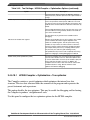
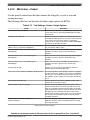
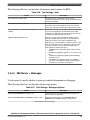
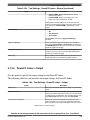
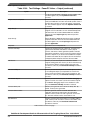
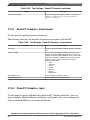
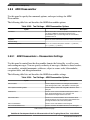
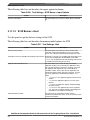
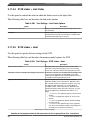
3.4.6.2 HCS08 Assembler > Input
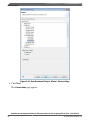
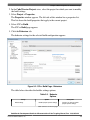
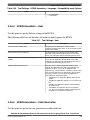
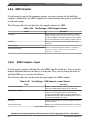
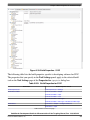
Use this panel to specify file search paths and any additional include files the HCS08
Assembler should use. You can specify multiple search paths and the order in which you
want to perform the search.
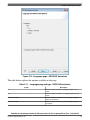
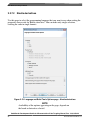
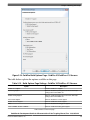
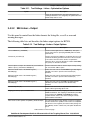
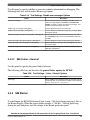
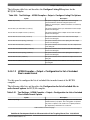
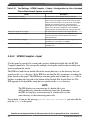
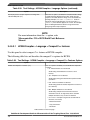
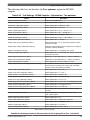
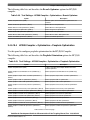
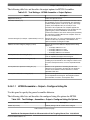
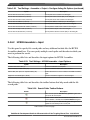
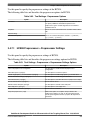
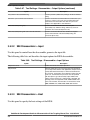
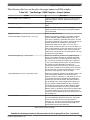
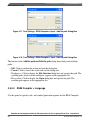
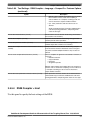
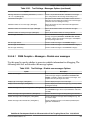
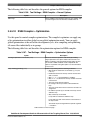
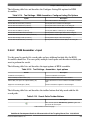
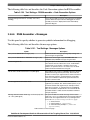
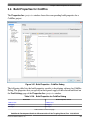
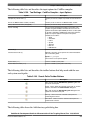
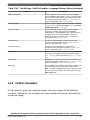
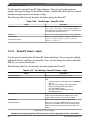
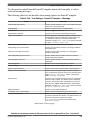
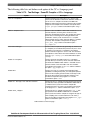
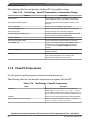
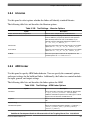
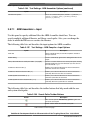
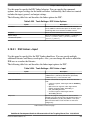
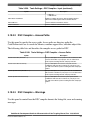
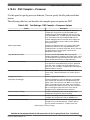
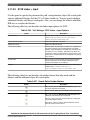
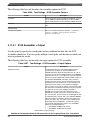
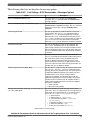
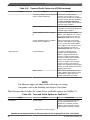
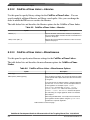
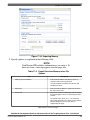
The following table lists and describes the input options for HCS08 Assembler.
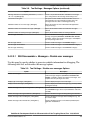
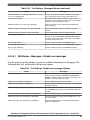
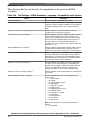
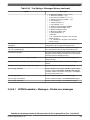
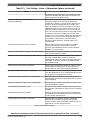
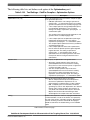
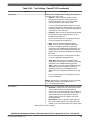
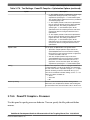
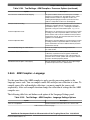
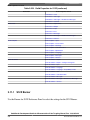
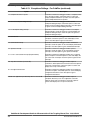
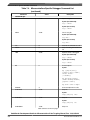
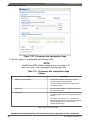
Table 3-53. Tool Settings - HCS08 Assembler > Input Options
Option
Description
Include File Search Paths (-I)
Lists the included file search paths.
Case sensitivity or label name (-Ci)
Check to make the label names case sensitive.
Define label (Use spaces to separate labels) (-D)
Define labels that have to be included in the RS08 assembler
input.
Support for structured types (-Struct)
Check to include the support for structured types.
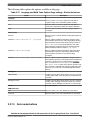
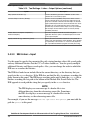
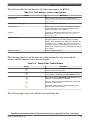
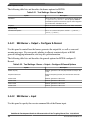
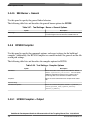
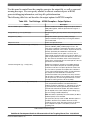
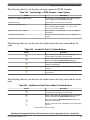
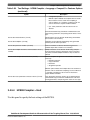
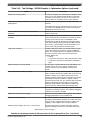
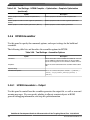
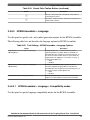
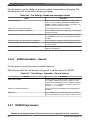
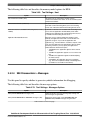
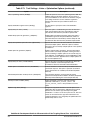
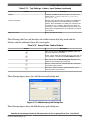
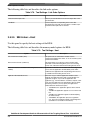
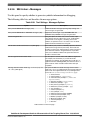
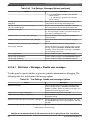
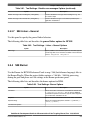
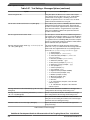
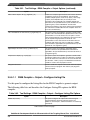
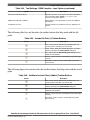
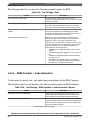
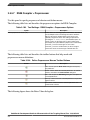
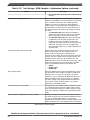
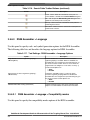
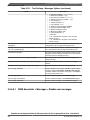
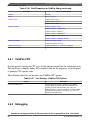
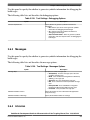
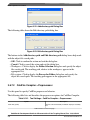
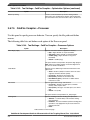
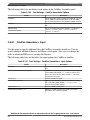
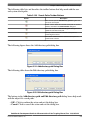
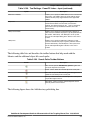
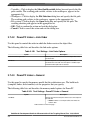
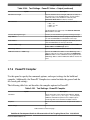
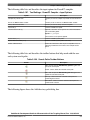
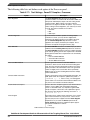
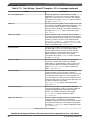
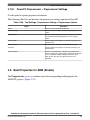
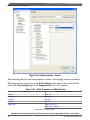
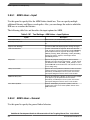
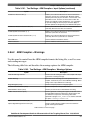
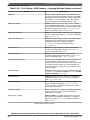
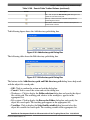
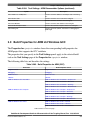
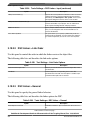
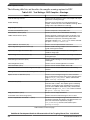
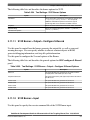
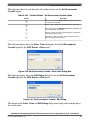
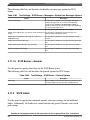
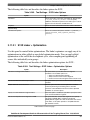
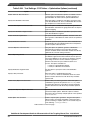
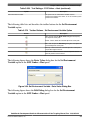
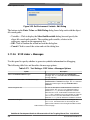
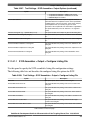
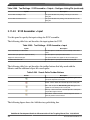
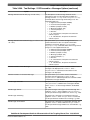
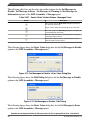
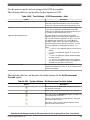
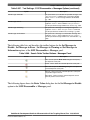
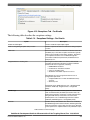
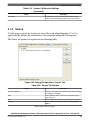
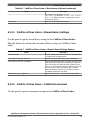
The following table lists and describes the toolbar buttons that help work with the file
search paths.
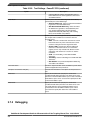
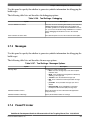
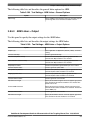
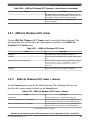
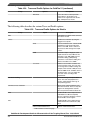
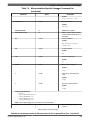
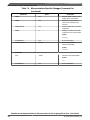
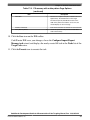
Table 3-54. Search Paths Toolbar Buttons
Button
Description
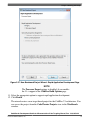
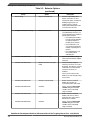
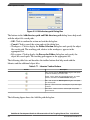
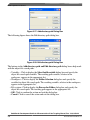
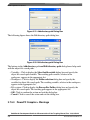
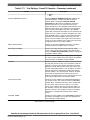
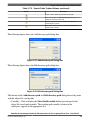
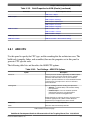
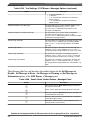
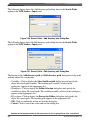
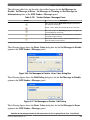
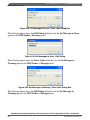
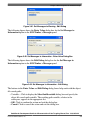
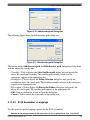
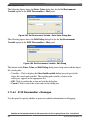
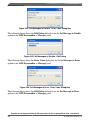
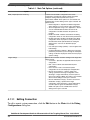
Add - Click to open the Add directory path dialog box and
specify the file search path.
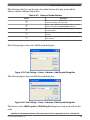
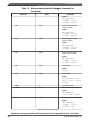
Delete - Click to delete the selected file search path. To
confirm deletion, click Yes in the Confirm Delete dialog box.
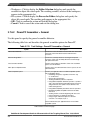
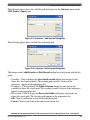
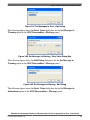
Edit - Click to open the Edit directory path dialog box and
update the selected object file search path.
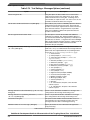
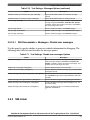
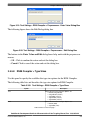
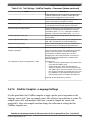
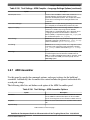
Table continues on the next page...
CodeWarrior Development Studio for Microcontrollers V10.x Targeting Manual, Rev. 10.6, 03/2014
196
Freescale Semiconductor, Inc.