1
Section 4
GPS Navigation
Trip Computer
Trip Computer
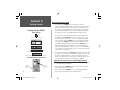
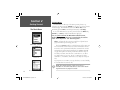
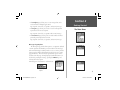
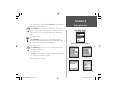
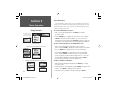
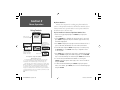
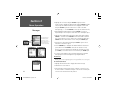
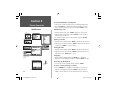
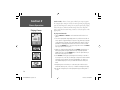
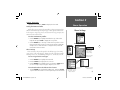
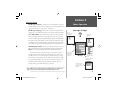
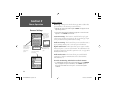
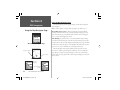
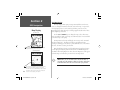
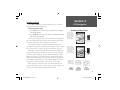
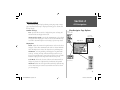
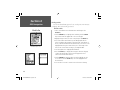
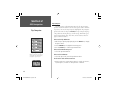
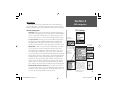
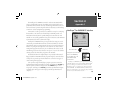
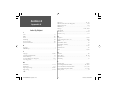
The third feature on the Main Menu GPS Tab, the Trip Computer,
provides current information read-outs about speed, distance and time
as you travel. To view the Trip Computer, highlight the Trip Computer
option on the GPS tab and press ENTER. The Trip Computer displays
a Trip Odometer, Moving Average, Overall Average, Maximum Speed,
Stopped Time, Moving Time, Total Time, and an Odometer that displays accumulated distance.
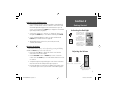
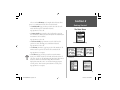
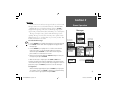
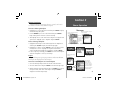
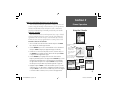
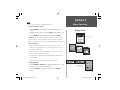
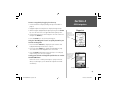
To Reset the Trip Odometer
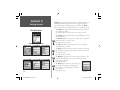
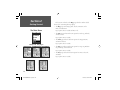
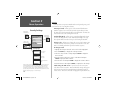
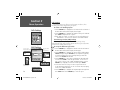
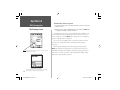
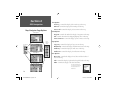
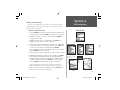
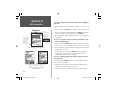
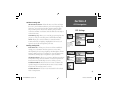
1. With the Trip Computer page displayed, press the MENU key to display
the Options Menu.
2. Use the ARROW key to highlight the Reset Trip option.
3. Press the ENTER key to clear the Trip Odometer field.
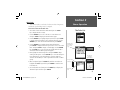
To Reset the Maximum Speed:
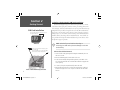
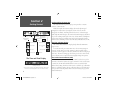
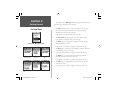
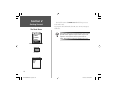
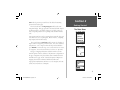
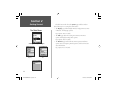
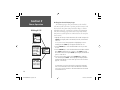
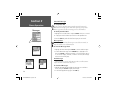
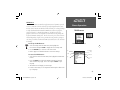
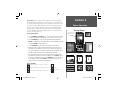
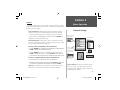
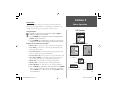
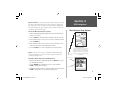
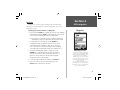
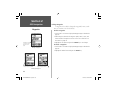
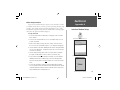
Trip Computer Page
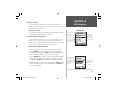
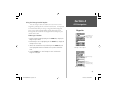
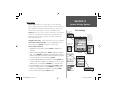
Distance units can be set from the
Settings Tab of the Main Menu by
selecting the ‘System’ option
1. Follow the steps defined above.
To Reset the Odometer:
1. Follow the steps used to reset the Trip Odometer above.
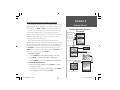
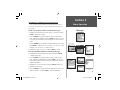
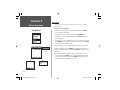
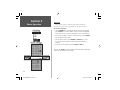
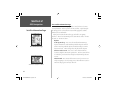
To select the Units of Measurement:
1. Distance can be set to Statute, Metric, Nautical, or Yards. See Section 5,
‘System Options’, for details on setting the Units of Measure.
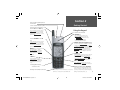
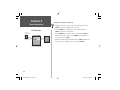
Trip Computer Options Menu
86
NvTlkGSMManual copy.indd 86
12/2/2002, 8:43:13 AM