1
WI-FI and LAN connection:
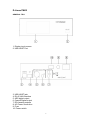
Plug the wifi module into the USB interface, insert the networking cable into the
“LAN” port directly and set up relevant network configuration , then you can use
the network functions.
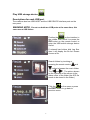
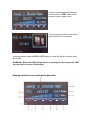
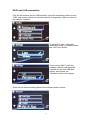
To select the “Lan” mode after
networking cable of computor insert
the “LAN” port directly.
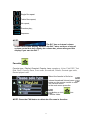
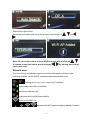
If you choose Wi-Fi mode, the
wireless network card should be
inserted into the rear USB port,
restart, and choose the
“Wireless”mode in the nettype.
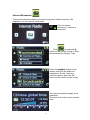
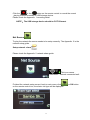
Enter into the wireless setting.Search the wireless network device.
21