1
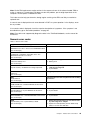
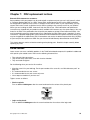
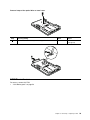
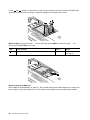
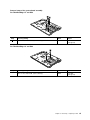
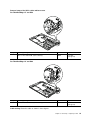
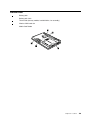
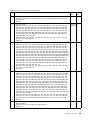
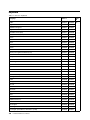
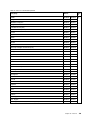
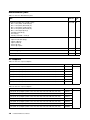
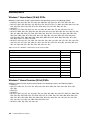
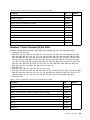
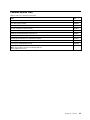
Step
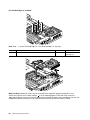
Screw (quantity)
Color
Torque
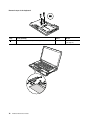
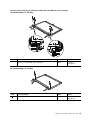
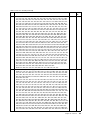
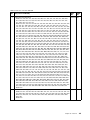
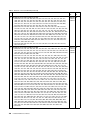
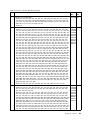
3
M2 × 3 mm, wafer-head, nylon-coated (2)
Black
0.181 Nm
(1.85 kgf-cm)
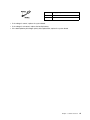
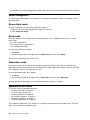
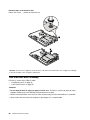
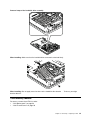
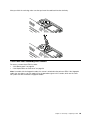
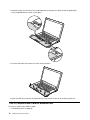
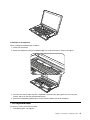
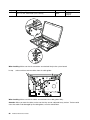
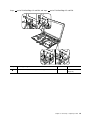
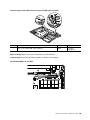
When installing: Make sure that the connectors are attached firmly to the system board.
8
8
7
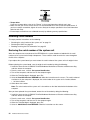
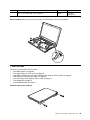
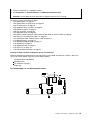
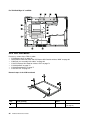
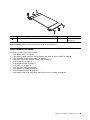
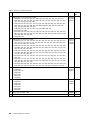
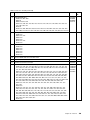
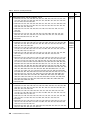
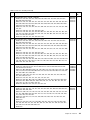
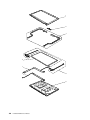
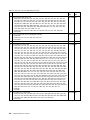
1150 LCD unit
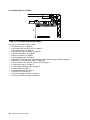
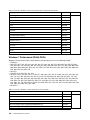
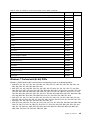
For access, remove these FRUs in order:
• “1010 Battery pack” on page 58
• “1020 Optical drive or travel cover” on page 58
• “1080 Wireless WAN slot cover and PCI Express Mini Card for wireless WAN” on page 66
• “1090 Palm rest assembly with cables” on page 69
• “1100 PCI Express Mini Card for wireless LAN” on page 72
• “1130 Keyboard” on page 75
• “1140 Keyboard bezel” on page 77
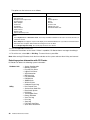
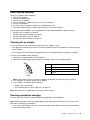
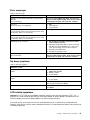
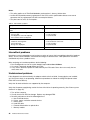
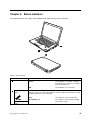
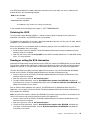
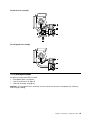
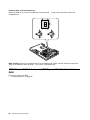
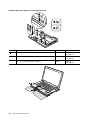
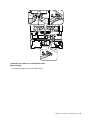
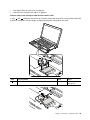
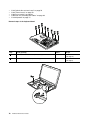
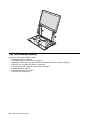
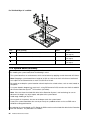
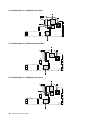
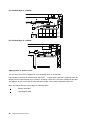
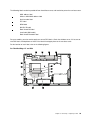
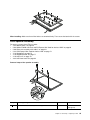
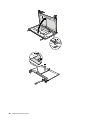
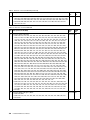
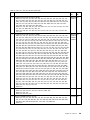
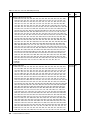
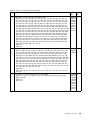
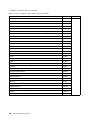
Removal steps of the LCD unit
1
1
Chapter 8. Removing or replacing a FRU
79