1
2
Getting Started with Database Toolbox
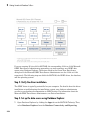
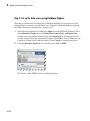
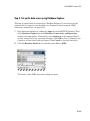
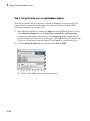
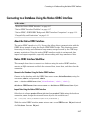
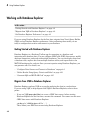
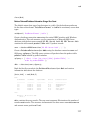
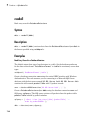
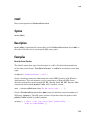
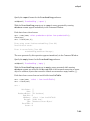
Step 3. Set up the data source using Database Explorer.
This step is required only for connecting to Database Explorer. If you want to use the
command line to connect to your database, see “Connect to MySQL using the JDBC
connection command line.” on page 2-144
1
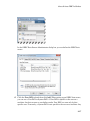
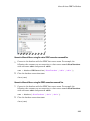
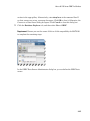
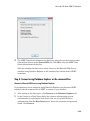
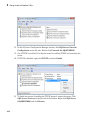
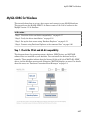
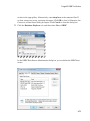
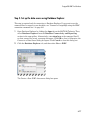
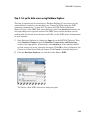
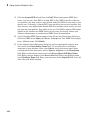
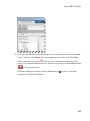
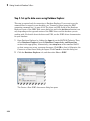
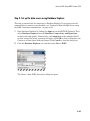
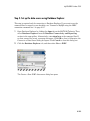
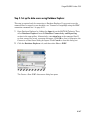
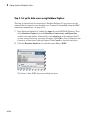
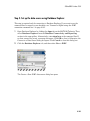
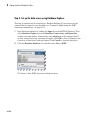
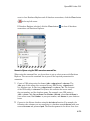
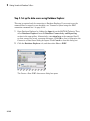
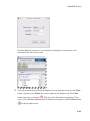
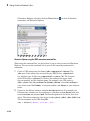
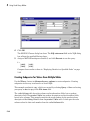
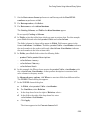
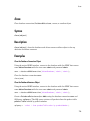
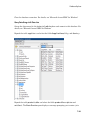
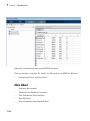
Open Database Explorer by clicking the Apps tab on the MATLAB Toolstrip. Then,
select Database Explorer from the Database Connectivity and Reporting
section in the apps gallery. Alternatively, enter dexplore at the command line. If
no data sources are set up, a message box opens. Click OK to close it. Otherwise, the
Connect to a Data Source dialog box opens. Click Cancel to close this dialog box.
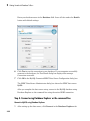
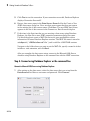
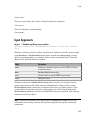
2
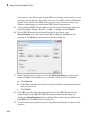
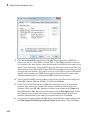
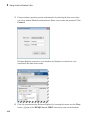
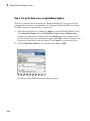
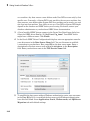
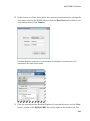
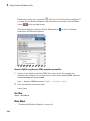
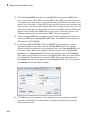
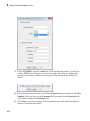
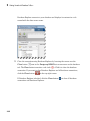
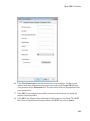
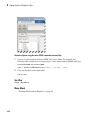
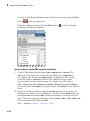
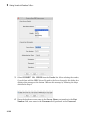
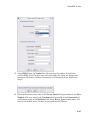
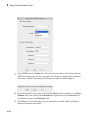
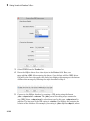
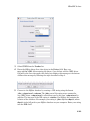
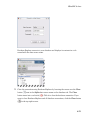
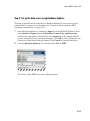
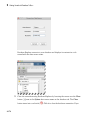
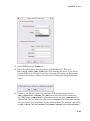
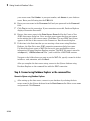
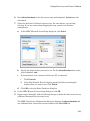
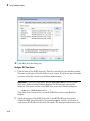
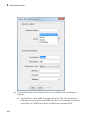
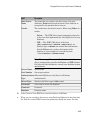
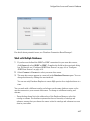
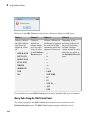
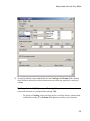
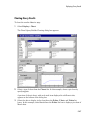
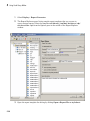
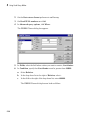
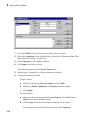
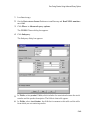
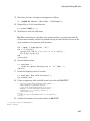
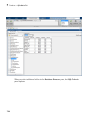
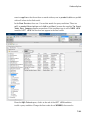
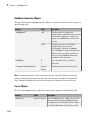
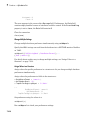
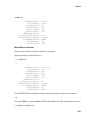
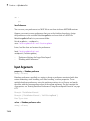
Click the Database Explorer tab, and then select New > JDBC.
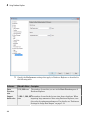
The Create a New JDBC data source dialog box opens.
2-140