1
Pegasus-E_Setup_Eng.book 36 ページ 2004年8月19日 木曜日 午後3時46分
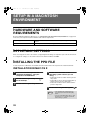
SETUP IN A MACINTOSH ENVIRONMENT
10
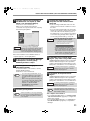
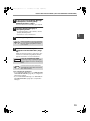
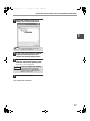
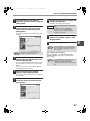
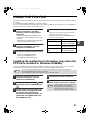
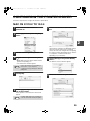
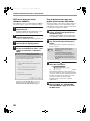
Click the [Add] button.
The machine is added to the list of printers.
11
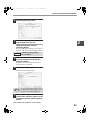
Click the name of the machine in the
"Printer List" window, and select
[Show Info] from the [Printers] menu.
The "Printer info" window will appear.
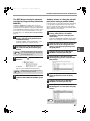
12
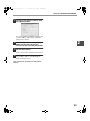
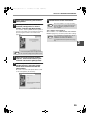
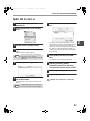
Select [Installable Options] from the
menu.
13
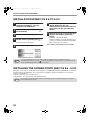
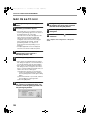
Set the printer configuration based on
the options that have been installed,
and then click the [Apply Changes]
button.
14
Close the window.
This completes the configuration of the printer
driver.
36