1
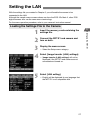
Setting the LAN
6
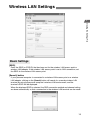
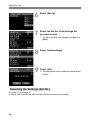
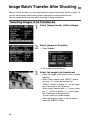
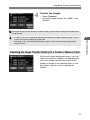
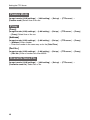
Select [Set up].
7
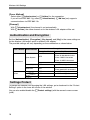
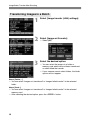
Select the Set No. of the settings file
you want to load.
8
Select [Load settings].
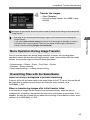
9
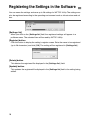
Select [OK].
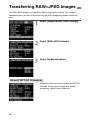
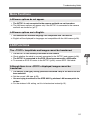
¡ You can have up to five settings from [Set 1] to
[Set 5].
a The settings file will be loaded into the selected
Set No.
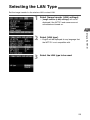
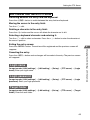
Selecting the Settings (Set No.)
Do steps 2 to 5 on page 27.
In step 6, select the Set No. that suits the LAN environment you are using.
28