1
TROUBLESHOOTING
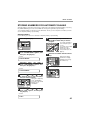
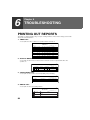
PRINTING TRANSACTION REPORTS
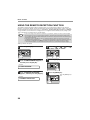
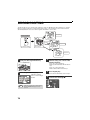
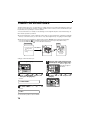
The machine can be set to print a transaction report after each transmission, reception, and/or error. The printing
condition can be selected separately for three types of transaction reports: "TRANSMISSION LIST", "BROADCAST
LIST", and "RECEPTION LIST". For each type of report, select one of the following printing conditions:
"ALWAYS PRINTS" ...After each transmission, reception, or error.
"ERROR ONLY".........After an error only.
"NEVER PRINTS" ......Never prints.
Note
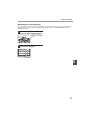
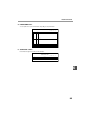
Part of the transmitted fax can be printed on the transaction report (IMAGE MEM. PRINT setting).
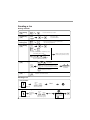
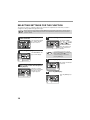
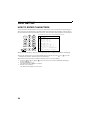
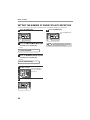
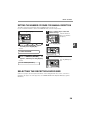
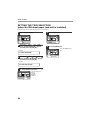
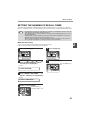
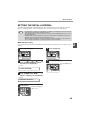
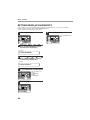
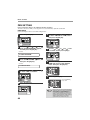
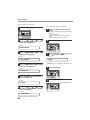
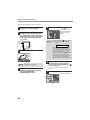
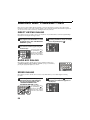
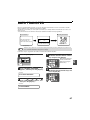
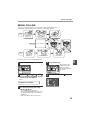
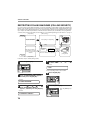
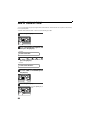
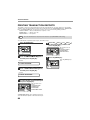
To set the machine to print transaction reports, follow these steps:
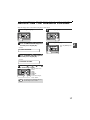
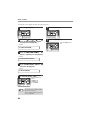
1
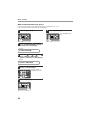
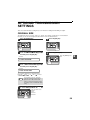
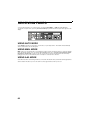
Press the [MENU] key.
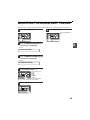
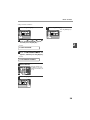
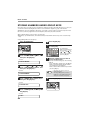
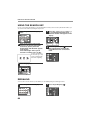
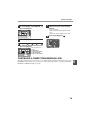
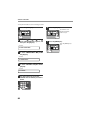
5
Press the [ ] key ( ) or [ ] key ( )
to select the printing condition and
press the [OK] key.
1,2,3,
1,2,3,
SP. FUNC
1,2,3,
1,2,3,
SP. FUNC
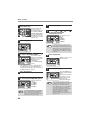
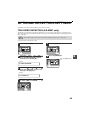
2
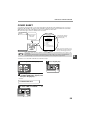
Press the [ ] key ( ) or [ ] key ( )
until "4:USER PROGRAM" appears,
and then press the [OK] key.
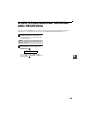
6
Press the [MENU] key.
Press the [MENU] key to
exit.
Selection
"4:USER PROGRAM"
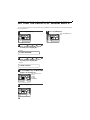
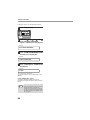
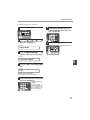
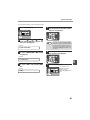
3
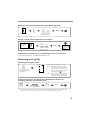
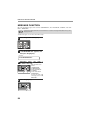
Press the [ ] key ( ) or [ ] key ( )
until "7:PRINT SELECTION" appears,
and then press the [OK] key.
Selection
"7:PRINT SELECTION"
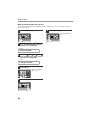
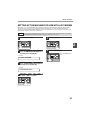
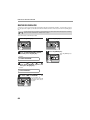
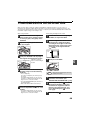
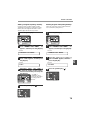
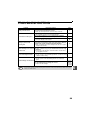
4
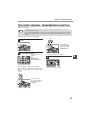
Press the [ ] key ( ) or [ ] key ( )
to select the type of transaction report
and press the [OK] key.
1,2,3,
1,2,3,
SP. FUNC
The selections are as
follows:
1:TRANSMISSION
2:BROADCAST
3:RECEPTION
4:IMAGE MEM. PRINT
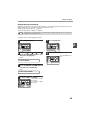
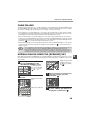
4: IMAGE MEM. PRINT" can be enabled to have part
of the transmitted fax printed on the transaction report.
88
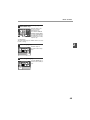
The selections are as
follows:
1:ALWAYS PRINTS
2:ERROR ONLY
3:NEVER PRINTS
1,2,3,
1,2,3,
SP. FUNC