1
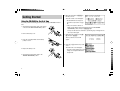
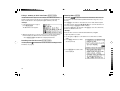
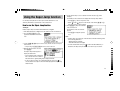
Setting the Auto power off activation time
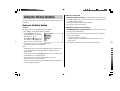
Inputting Characters
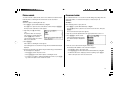
This product automatically turns its power off to save the battery. The turn-off time
is set to five minutes by default.
Methods of inputting characters are described in this section.
1. Press m, 5, then 2.
Character entry
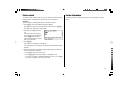
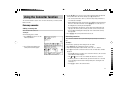
The Auto power off setting screen
appears.
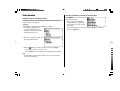
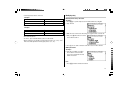
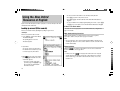
A simple example of inputting characters is shown below.
<Example>
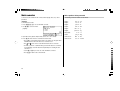
Enter a word ‘clear’ for search.
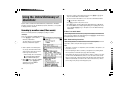
1. Press d to open the input screen of the Oxford Dictionary of English.
2. Use the {, }, [ and ] keys to place the check mark on the desired
duration, then press e.
The time will be set, then the main menu will be displayed.
2. Type ‘clear’.
On the keyboard, press C, L, E,
A, then R.
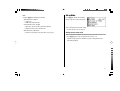
Adjusting the LCD contrast
Select this menu item to adjust the LCD contrast.
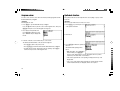
1. Press m, 5, then 3.
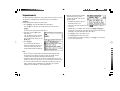
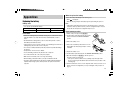
2. To adjust the LCD contrast, use the [ (Lighter) key or ] (Darker) key, then
press e to return to the main menu.
Starting Auto Demo mode
Activate the Auto demo for a guided tour through the key features of the product.
1. Press m, 5, then 5, to start the Auto demo mode.
• Press f or e to end the Auto demo mode and return to the main
menu.
12
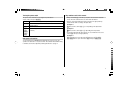
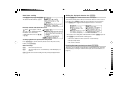
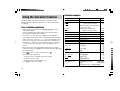
Note:
• While entering characters, exclude characters such as spaces, hyphens,
apostrophes, slashes, and periods.
<Example>
Word
fast food
Entry for search
fastfood
weak-kneed
let's
weakkneed
lets
either/or
a.m.
eitheror
am