1
Appendixes
The appendixes contain additional information on the use and care of your computer.
Maintenance and Care
This appendix provides you with information on how to maintain the computer in
excellent working condition.
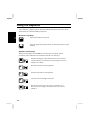
Cleaning the Computer
Cabinet
Apply a small amount of mild cleaning solution to a dry, lint-free cloth and wipe the
cabinet with the cloth.
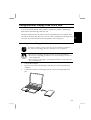
• Do not use alcohol, benzene, thinner or other strong chemical agents
that may damage the cabinet.
• Never clean the computer while it is powered on.
Screen
The surface of the screen may become smeared and accumulate dust during use.
Avoid touching the screen with your fingers when using the system. Gently wipe the
surface of the screen with a soft cloth that has been dipped in a mild detergent
solution and squeezed dry.
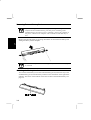
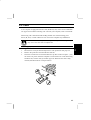
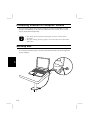
IR Port
Dust on the IR port will interfere with data transfer. Wipe the port clean with a soft,
dry cloth.
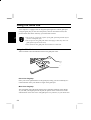
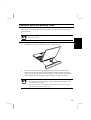
Glide Pad
Wipe the glide pad with a soft, dry cloth.
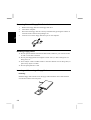
Traveling with the Computer
A-1