1
Function Setting
ADJUSTMENT
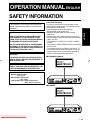
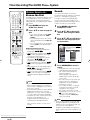
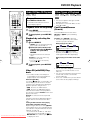
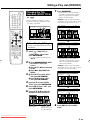
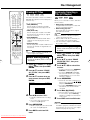
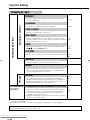
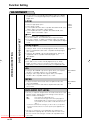
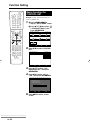
DV SETTING DV LINK SETTING
(DV-HR480F/DVHR450F only)
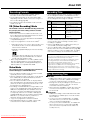
NO:
Select this when you cannot operate the camcorder properly with the
On-screen Control Panel.
YES:
This lets you operate the camcorder using the On-screen Control
Panel.
NO
YES
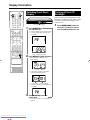
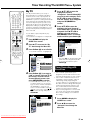
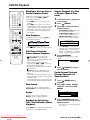
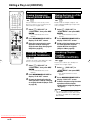
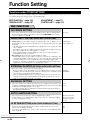
DV IN AUDIO SETTING
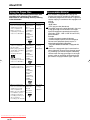
STEREO 1*:
This lets you capture audio you recorded with the camcorder.
STEREO 2*:
This lets you capture camcorder’s audio you recorded using after
recording.
STEREO 1 + 2*:
This lets you simultaneously capture audio from “STEREO 1” and
audio from “STEREO 2”.
* When the connected digital camcorder’s audio output is set to 16 bit,
this setting will be invalid.
STEREO 1
STEREO 2
STEREO 1 + 2
NOTE
• In the case of bilingual broadcast, you cannot select “Lch” or “Rch”.
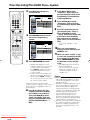
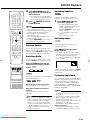
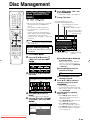
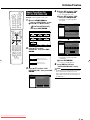
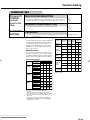
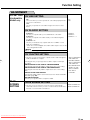
DV CHAPTER SETTING
• This lets you select how the titles copied to the Recorder through DV
LINK are divided into chapters.
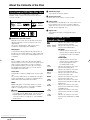
Selecting this lets you specify position to add a chapter, for DV input
recording.
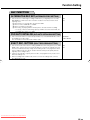
ADD A CHAPTER AT THE TURN OF A NEW RECORDING
Selecting this automatically adds a chapter at the turn of a recording.
ADD A CHAPTER AT THE TURN OF A RECORDING DATE
Selecting this automatically adds a chapter at the turn of a recording
date.
ADJUST TO THE AUTO CHAPTER
Selecting this adds chapters at the interval set in the “AUTO CHAPTER
SETTING” (page 104).
NOT ADD A CHAPTER
This lets you copy titles with no chapter recorded.
BLUE
SCREEN
SETTING
ADD A CHAPTER AT
THE TURN OF A
NEW RECORDING
ADD A CHAPTER AT
THE TURN OF A
RECORDING DATE
ADJUST TO THE
AUTO CHAPTER
NOT ADD A
CHAPTER
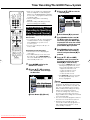
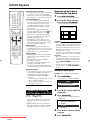
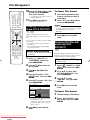
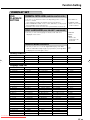
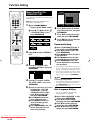
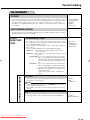
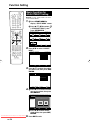
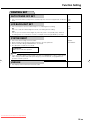
BLUE SCREEN SETTING
• This lets you set so that noise on the TV screen is automatically
switched to a blue screen if you select a channel whose broadcast is
finished, or a channel with no broadcast.
Downloaded From Disc-Player.com Sharp Manuals
BLUE SCREEN OFF
BLUE SCREEN ON