1
Configuration software for SINAUT ST7
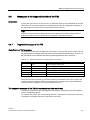
1.6 Configuring networks and network nodes in STEP 7 / NetPro
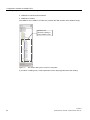
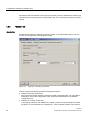
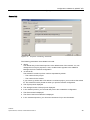
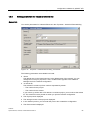
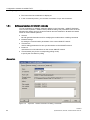
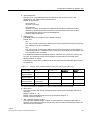
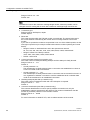
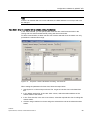
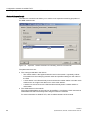
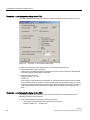
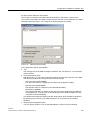
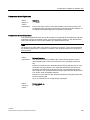
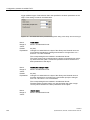
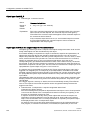
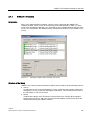
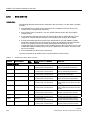
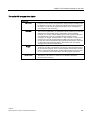
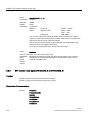
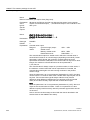
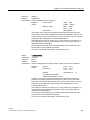
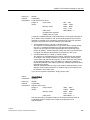
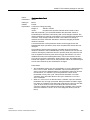
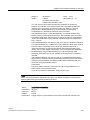
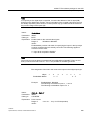
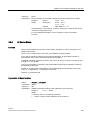
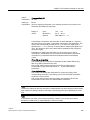
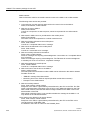
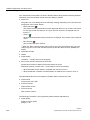
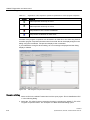
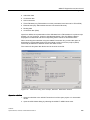
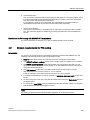
● Name:
The Name box displays the name of the module.
● The Project path is displayed.
● The Storage location of the project is displayed.
● In the Author input box, you can enter the person who created the configuration.
● The Date created is displayed.
● The Date of the last modification is displayed.
● In the Comment input box, you can enter comments of up to 254 characters.
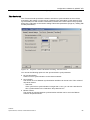
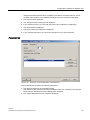
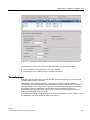
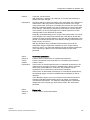
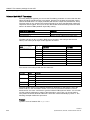
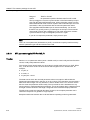
Parameters tab
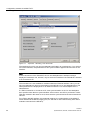
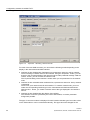
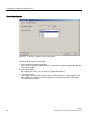
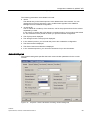
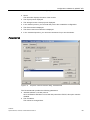
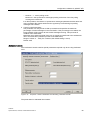
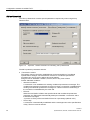
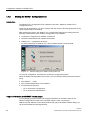
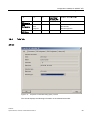
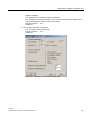
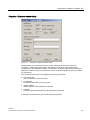
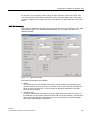
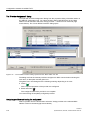
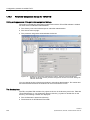
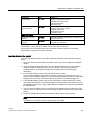
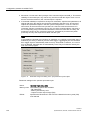
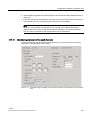
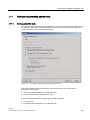
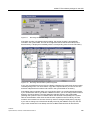
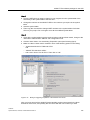
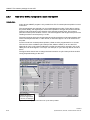
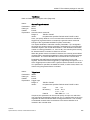
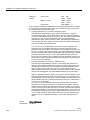
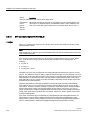
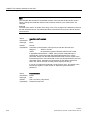
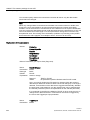
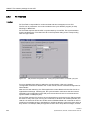
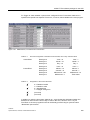
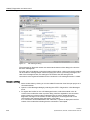
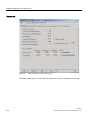
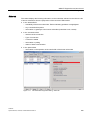
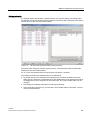
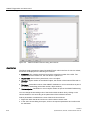
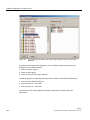
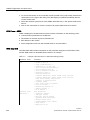
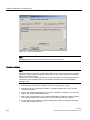
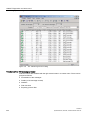
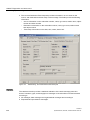
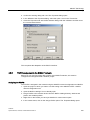
Figure 1-31
Properties - Ethernet interface dialog, Parameters tab
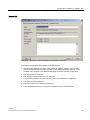
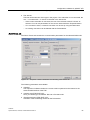
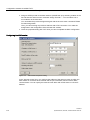
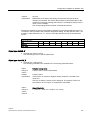
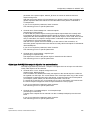
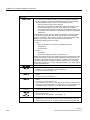
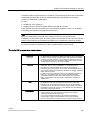
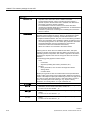
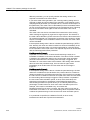
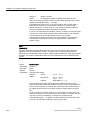
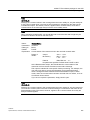
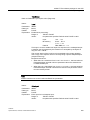
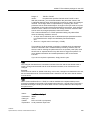
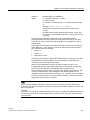
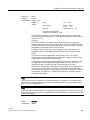
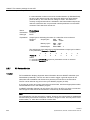
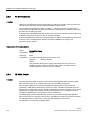
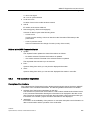
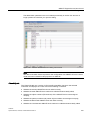
The Parameters tab provides the following parameters:
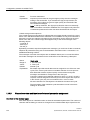
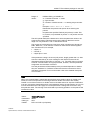
● Set MAC address / use ISO protocol:
Since an Ethernet TIM does not use the ISO protocol but TCP/IP, this option remains
disabled.
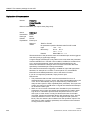
● The IP address:
This cannot be changed here.
Software
System Manual, 07/2009, C79000-G8976-C222-07
63