1
11. Automation
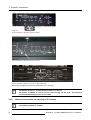
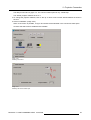
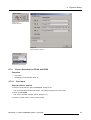
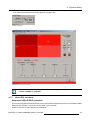
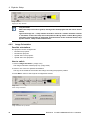
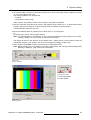
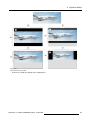
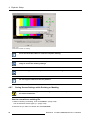
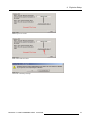
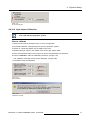
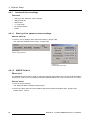
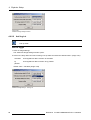
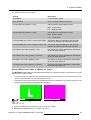
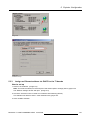
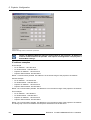
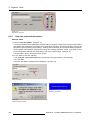
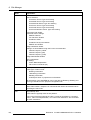
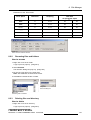
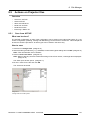
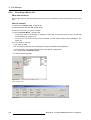
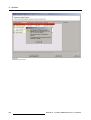
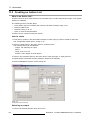
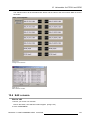
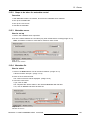
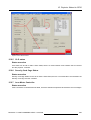
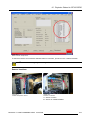
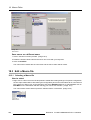
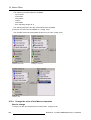
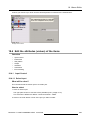
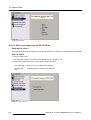
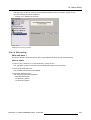
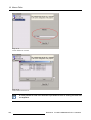
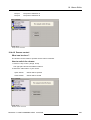
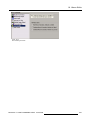
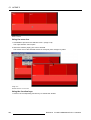
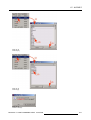
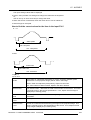
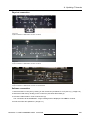
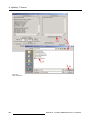
The drop down menu opens. (image 11-3)
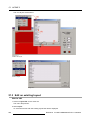
2. Select a module.
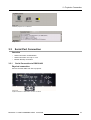
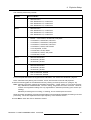
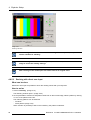
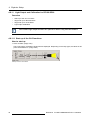
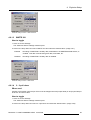
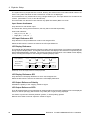
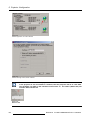
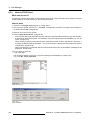
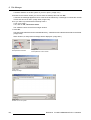
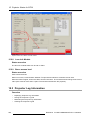
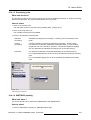
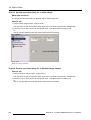
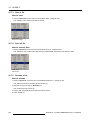
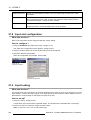
3. Click on the output drop down list.
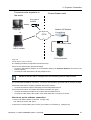
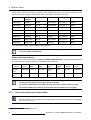
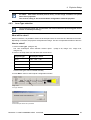
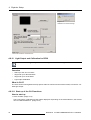
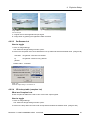
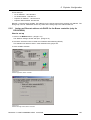
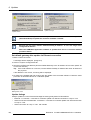
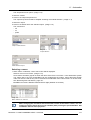
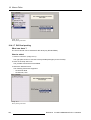
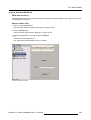
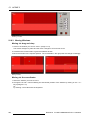
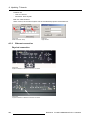
The output drop down list will be adapted according the module selection. (image 11-4)
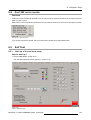
4. Select an output.
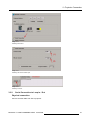
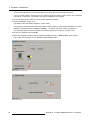
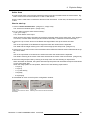
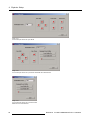
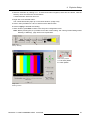
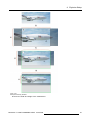
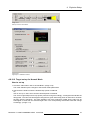
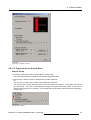
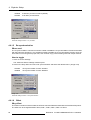
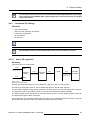
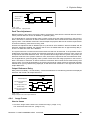
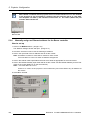
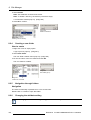
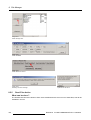
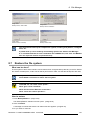
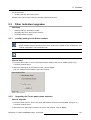
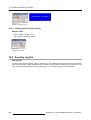
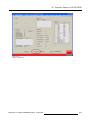
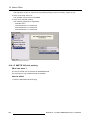
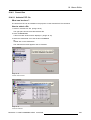
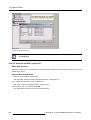
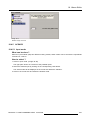
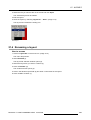
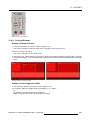
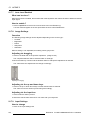
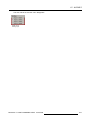
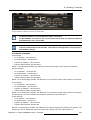
5. Click on the status list for the selected output. (image 11-5)
The choices are:
- off
- on
- pulse
Image 11-3
Output module selection
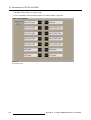
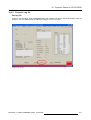
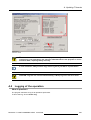
Image 11-4
Output selection
Image 11-5
Status selection output
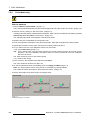
Selecting a macro
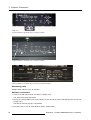
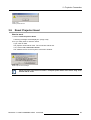
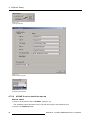
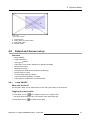
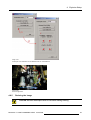
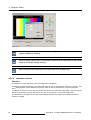
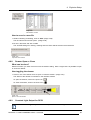
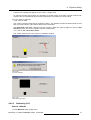
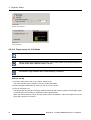
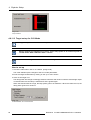
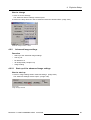
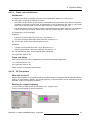
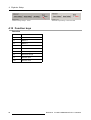
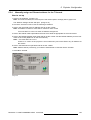
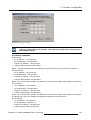
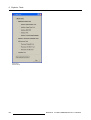
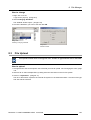
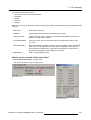
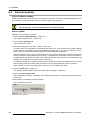
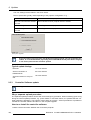
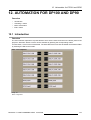
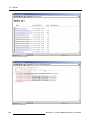
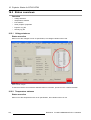
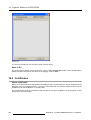
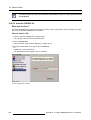
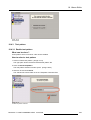
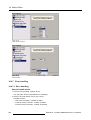
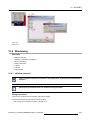
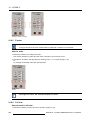
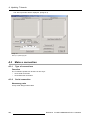
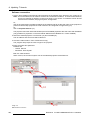
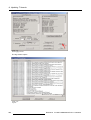
1. When macro is selected, a list of macro files will be displayed.
Select a macro out of the list. (image 11-6)
Some macro file will be grayed out when the name of the file is not conform. In this automation system
only macro files in the form of MACROxx can be coupled with the system. Macro files with another
name can also be used as they can be renamed to the standard macro name format. To rename a file,
see "Renaming files and folders", page 137.
MACROxx as name is MACRO followed with 2 digits (between 01 and 99).
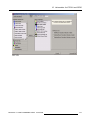
Image 11-6
Macro selection for action list
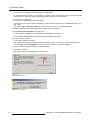
When changing the commands associated with a button of the button control, it is necessary to reset the touch panel (if any available) after pressing the proceed button. See
installation manual of the projector.
R5976510 D-CINE COMMUNICATOR 11/04/2006
171