1
Chapter 4: cOS Core Configuration
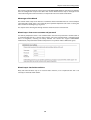
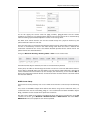
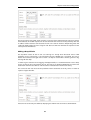
Wizard step 7: Activate setup
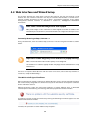
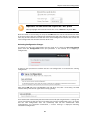
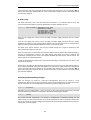
The final step for the configuration is to save and activate it by pressing the Activate button. After
this step the Web Interface returns to its normal appearance and the administrator can continue
to configure the system.
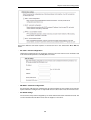
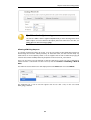
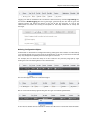
Wizard step 8: License Activation
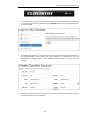
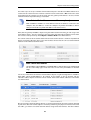
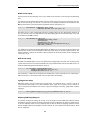
This optional step is to install a license which is fetched automatically from Clavister servers.
Internet access must have been set up in previous wizard steps for this option to function. The
only input required is the customer username and password for the Clavister website.
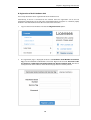
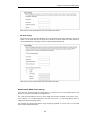
If customer registration has not been previously been done, a link is provided to open a browser
window to complete registration. After registration, come back to this step.
Alternatively, this step can be skipped and license installation can be done later, in which case
cOS Core will run in demo mode with a 2 hour time limit before it ceases to function.
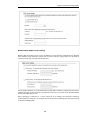
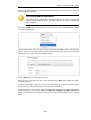
If a license is installed at this point, the wizard will then ask if a reconfigure or restart operation
should be performed. If all license parameters are to take effect, the restart option should be
chosen. It is recommended to always choose restart unless there is a reason why this is not
appropriate.
Running the Wizard Again
Once the wizard has been successfully finished and activated, it cannot be run again. The
exception to this is if the Clavister Security Gateway has its factory defaults restored in which
case the appliance will behave as though it were being started for the first time.
39