1
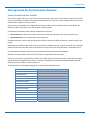
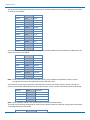
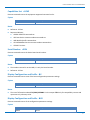
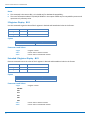
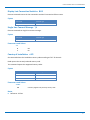
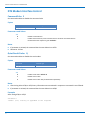
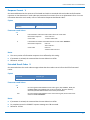
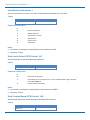
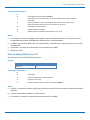
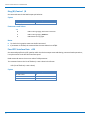
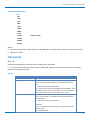
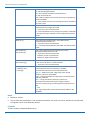
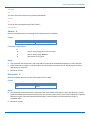
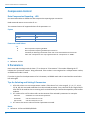
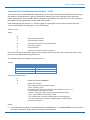
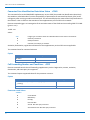
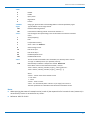
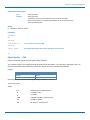
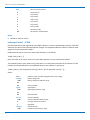
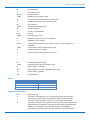
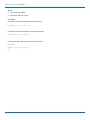
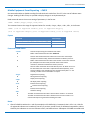
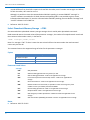
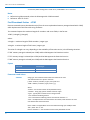
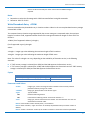
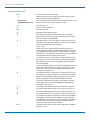
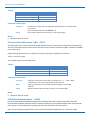
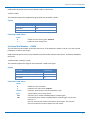
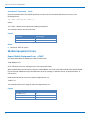
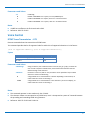
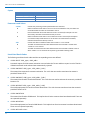
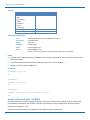
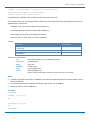
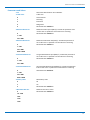
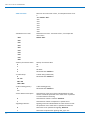
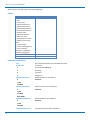
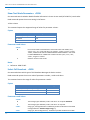
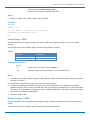
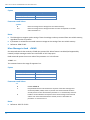
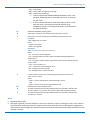
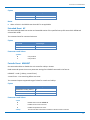
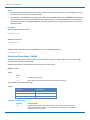
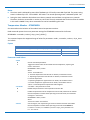
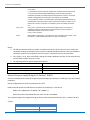
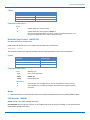
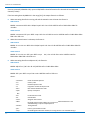
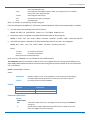
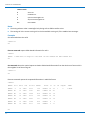
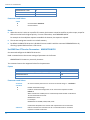
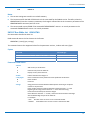
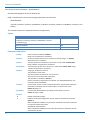
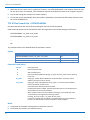
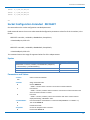
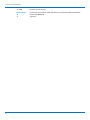
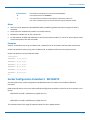
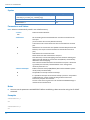
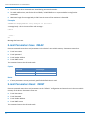
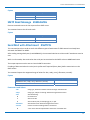
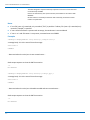
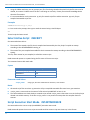
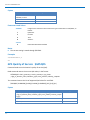
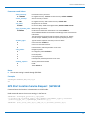
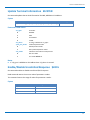
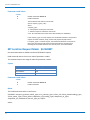
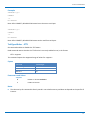
CUSTOM AT COMMANDS Custom AT Commands General Configuration AT Commands Set AT Interface and Trace Interface #PORTCFG AT#PORTCFG command allows to connect Service Access Points (software anchorage points) to the external physical ports giving a great flexibility. Examples of Service Access Points: AT Parser Instance #1,#2, #3, MA(Trace), 3G(Trace). Refer to the appendix for a detailed explanation of all port configurations Read command reports: <requested> value shows the requested configuration that is activated on the next power off /on of the module; <active> value shows the actual configuration. #PORTCFG: <requested>,<active> Test command reports a brief description of the supported ports arrangement solutions. For each <Variant> parameter value are displayed, on one row, the allowed couples formed by: a physical port and the logically connected internal software Access Point (AT, MA). On each row are reported the couples concerning both configurations: USB cable plugged into USB port or not plugged in. AT, indicated on each command row result, can be AT0, AT1, or AT2. For a correct interpretation refer to the tables in this section. Syntax Command Command type AT#PORTCFG=<variant> AT#PORTCFG? Read AT#PORTCFG=? Test Parameters and Values <variant> 0‐6 Network Selection Menu Availability +PACSP Read command returns the current value of the <mode> parameter in the format: +PACSP<mode> where: <mode> ‐ PLMN mode bit (in CSP file on the SIM) 0 ‐ restriction of menu option for manual PLMN selection. 1 ‐ no restriction of menu option for Manual PLMN selection. Test command returns the OK result code. 145 AT Commands for HSPA‐H5 Modems