1
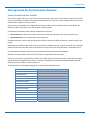
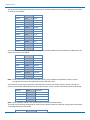
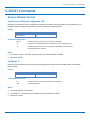
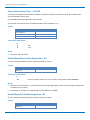
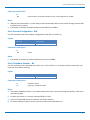
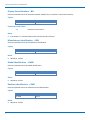
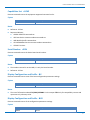
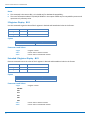
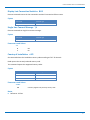
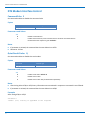
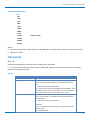
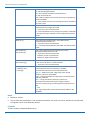
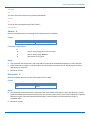
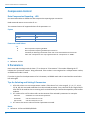
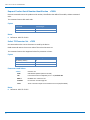
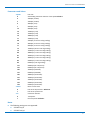
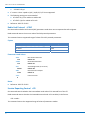
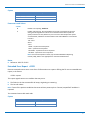
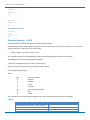
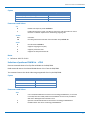
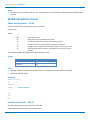
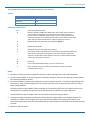
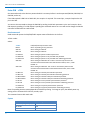
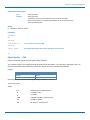
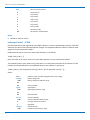
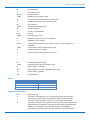
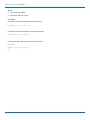
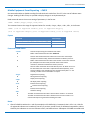
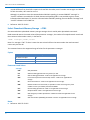
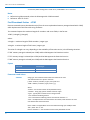
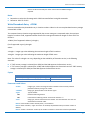
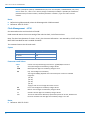
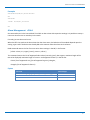
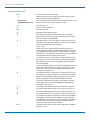
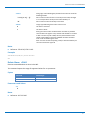
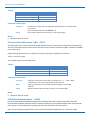
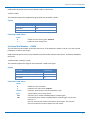
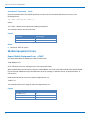
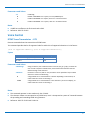
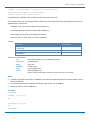
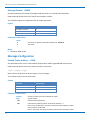
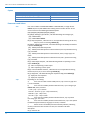
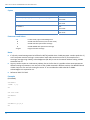
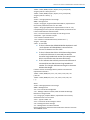
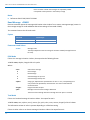
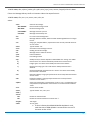
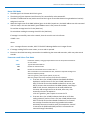
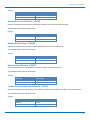
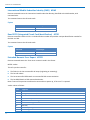
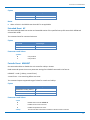
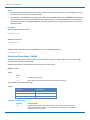
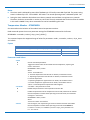
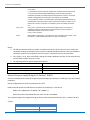
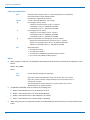
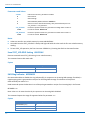
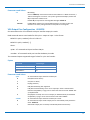
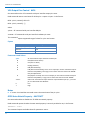
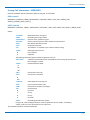
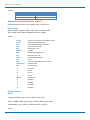
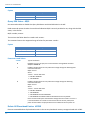
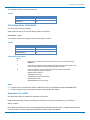
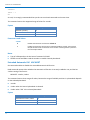
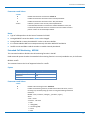
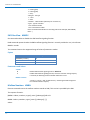
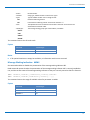
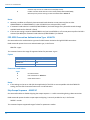
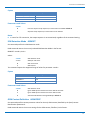
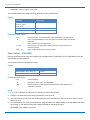
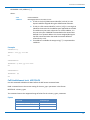
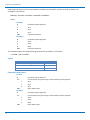
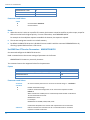
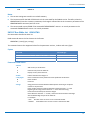
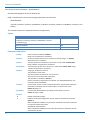
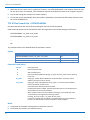
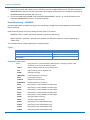
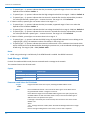
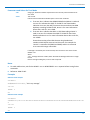
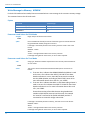
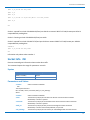
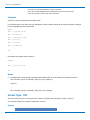
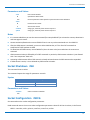
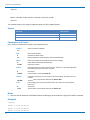
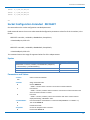
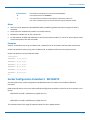
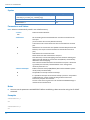
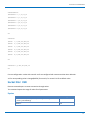
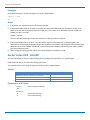
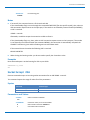
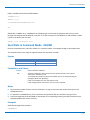
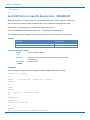
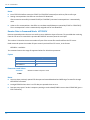
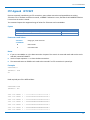
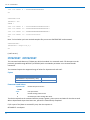
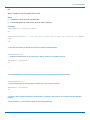
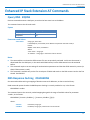
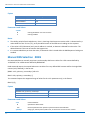
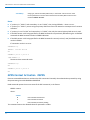
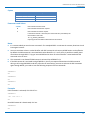
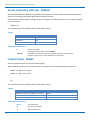
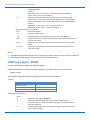
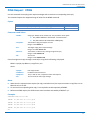
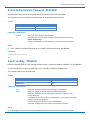
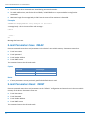
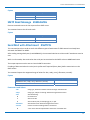
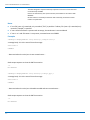
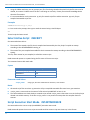
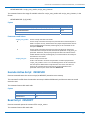
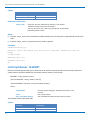
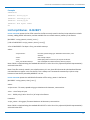
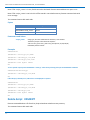
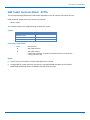
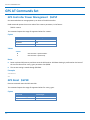
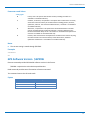
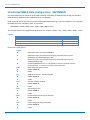
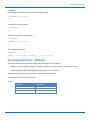
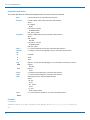
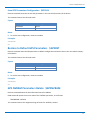
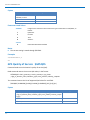
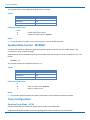
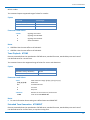
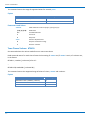
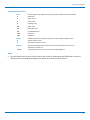
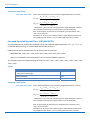
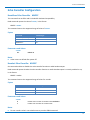
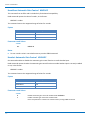
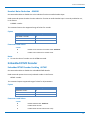
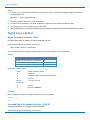
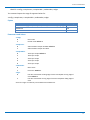
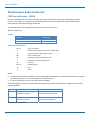
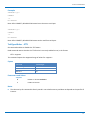
FTP AT COMMANDS Notes Issue FTPTYPE=0 before successive FTPGET (or FTPGETPKT command) to set binary file transfer type. Setting <restartposition> has effect on successive FTP download. After successive successfully initiated FTPGET(or FTPGETPKT) command <restartposition> is automatically reset. Value set for <restartposition> has effect on next data transfer(data port opened by FTPGET or FTPGETPKT). Then <restartposition> value is automatically assigned to 0 for next download. Receive Data in Command Mode #FTPRECV Execute command permits the user to transfer at most <blocksize> bytes of remote file, provided that retrieving from the FTP server is started with a previous #FTPGETPKT command, onto the serial port. This number is limited to the current number of bytes of the remote file transferred from the FTP server. Read command reports the number of bytes currently received from FTP server, in the format: #FTPRECV: <available> Test command returns the range of supported values for <blocksize> parameter. Syntax Command Command type AT#FTPRECV=<blocksize> Execute AT#FTPRECV? Read AT#FTPRECV=? Test Parameters and Values <blocksize> 1‐3000 Maximum number of bytes to read. Notes 249 You must have previously opened FTP data port and started download and buffering of remote file through #FTPGETPKT command. Issuing #FTPRECV when there is no FTP data port opened raises an error. Data port stays open if socket is temporary waiting to receive data(FTPRECV returns 0 and FTPGETPKT gives a EOF 0 indication). AT Commands for HSPA‐H5 Modems