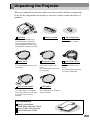
1
Adjusting the Volume
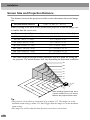
You can adjust the volume for the sound from the projector's internal speaker or
from the external speakers that are connected to the projector.
Procedure
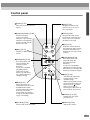
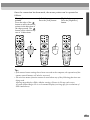
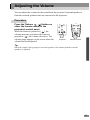
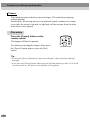
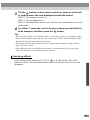
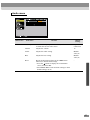
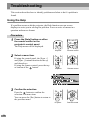
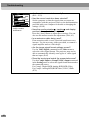
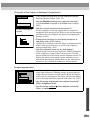
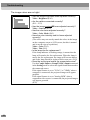
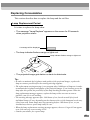
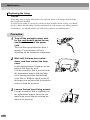
Press the [Volume
,
] button on
either the remote control or the
projector's control panel.
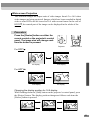
When the button is pressed to [ ], the
volume increases, and when the button is
pressed to [ ], the volume decreases. The
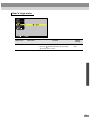
volume gauge appears on the screen when the
volume has been adjusted.
Source
Keystone
Shift
Sync-
Video
S-Video
Auto
Resize
P in P
Preset
Resize
A/V Mute
Volume
Volume
Projector
Remote control
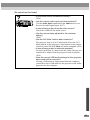
Tip :
When the sound is being output to external speakers, the volume from the external
speakers is adjusted.
49