1
Shooting – The Basics
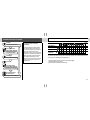
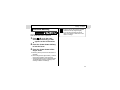
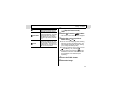
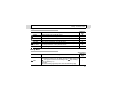
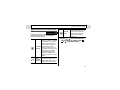
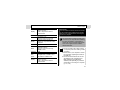
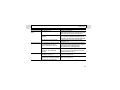
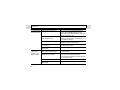
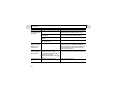
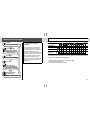
Macro/
Infinity Modes
Shooting Mode
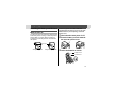
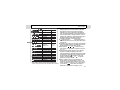
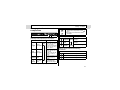
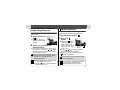
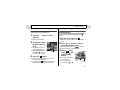
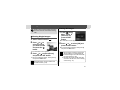
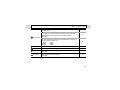
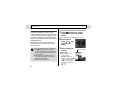
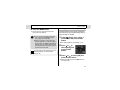
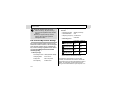
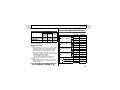
Use this mode when the distance
from the lens tip to the subject is in
Macro the range of 5 to 47 cm (2.0 in. to 1.5
ft.) at wide angle end and 30 to 47
cm (1.0 to 1.5 ft.) at telephoto end.
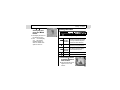
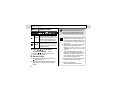
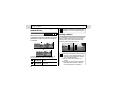
Use this mode to shoot
landscapes. Also use this mode for
Infinity
compositions combining both near
and distant objects.
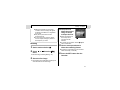
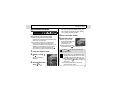
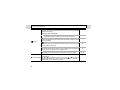
1
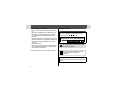
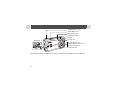
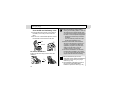
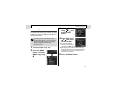
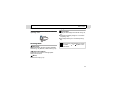
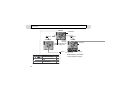
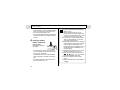
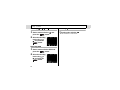
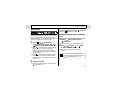
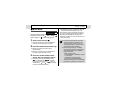
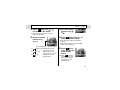
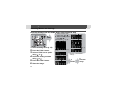
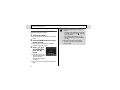
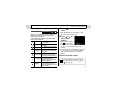
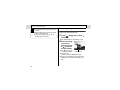
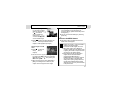
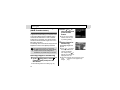
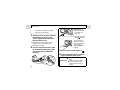
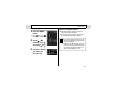
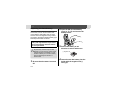
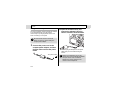
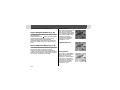
Press /
( on the omni
selector) to display
or
.
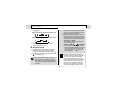
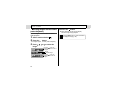
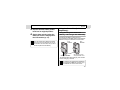
z Pressing
/
( on the omni selector)
cancels the macro mode.
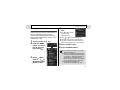
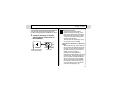
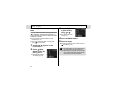
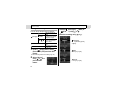
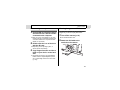
2
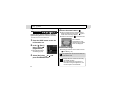
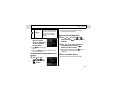
Shoot the image.
z Shooting procedures are the same as for the
Auto Mode (p. 31).
z The indicator beside the viewfinder will light
yellow when the shutter button is pressed
halfway.
42
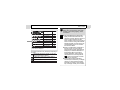
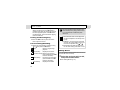
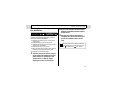
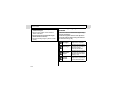
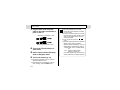
If the flash is used in macro mode, the light
may not be controlled correctly. In this
case, set a higher ISO sensitivity or use
other lightings instead of using the flash.
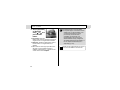
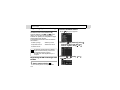
z Always use the LCD monitor to compose
images in macro mode. Shooting with
the viewfinder is possible, however, part
of the image may not appear in the final
shot (p. 33).
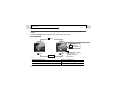
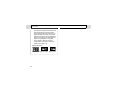
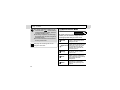
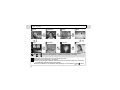
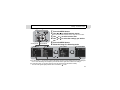
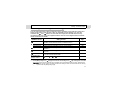
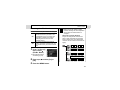
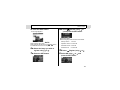
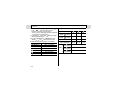
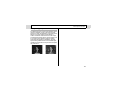
z When the lens is zoomed out to the wide
angle end, the recordable area is
approx. 47 × 35 mm (1.9 × 1.4 in.)*1, and
at telephoto end, it is 115 × 87 mm (4.5 ×
3.4 in.).*2
When the zoom position is located
between the telephoto end and the wide
angle end, the distance between the
front of the lens and the subject will be
the same as the telephoto end.
z The exposure may not be optimal when
the flash is used in macro mode.
*1
*2
Closest focal distance.
Maximum optical telephoto setting.