1
Shooting – The Basics
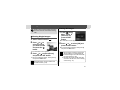
Changing the Resolution and
Compression
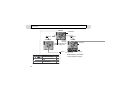
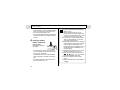
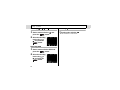
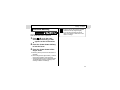
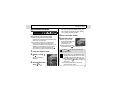
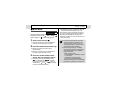
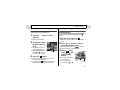
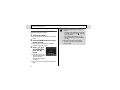
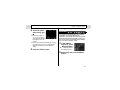
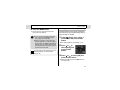
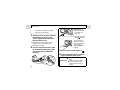
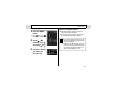
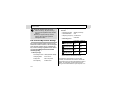
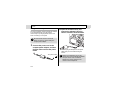
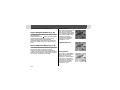
z The resolution is set to M1 (1600 x
or
Shooting Mode
information.
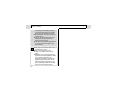
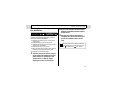
The Postcard Print mode is not available in
,
and
.
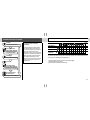
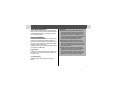
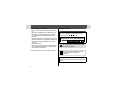
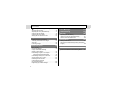
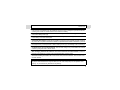
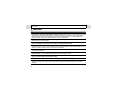
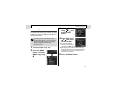
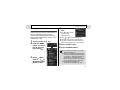
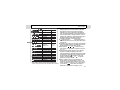
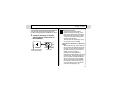
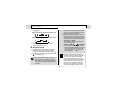
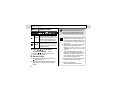
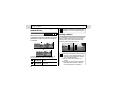
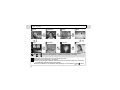
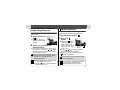
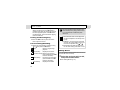
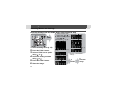
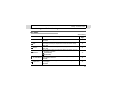
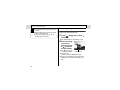
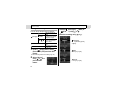
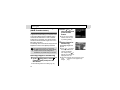
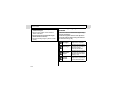
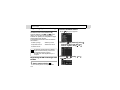
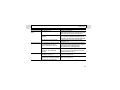
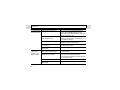
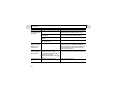
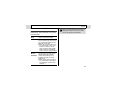
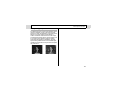
You can change the resolution and compression
(excluding movie) depending on the purpose.
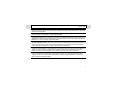
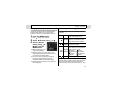
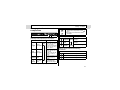
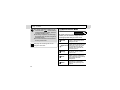
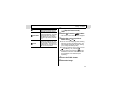
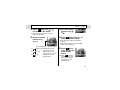
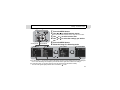
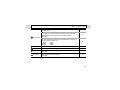
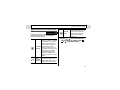
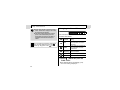
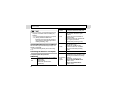
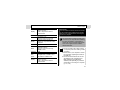
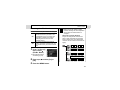
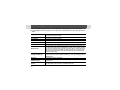
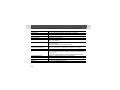
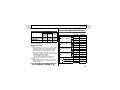
Resolution
L
(Large)
2048 x
1536 pixels
Large
Purpose
z Print up to A4 size*
210 x 297 mm (8.3 x
11.7 in.) prints
z Print up to Letter size*
216 x 279 mm (8.5 x
11 in.) prints
z Print postcard size
148 x 100 mm (6 x 4
in.) prints
z Print L-size 119 x 89
mm (4.7 x 3.5 in.)
prints
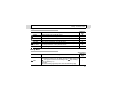
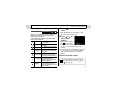
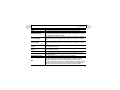
M1
1600 x
(Medium1) 1200 pixels
z Print card size 86 x 54
M2
1024 x 768
(Medium2) pixels
S
(Small)
640 x 480
pixels
1200) and the compression is set to
(Fine).
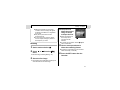
z See page 51 for Postcard Print mode
mm (3.4 x 2.1 in.)
prints
Small
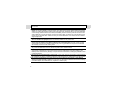
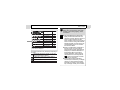
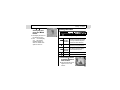
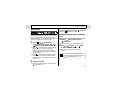
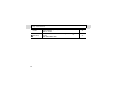
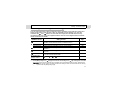
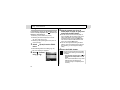
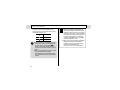
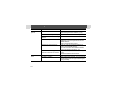
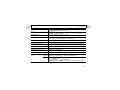
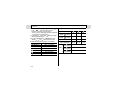
Compression
Purpose
High
Shoot higher quality
Superfine
Quality images
Shoot normal quality
Fine
images
Normal Normal Shoot more images
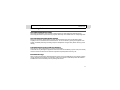
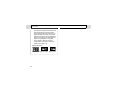
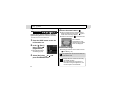
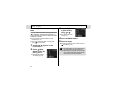
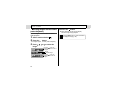
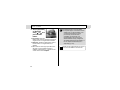
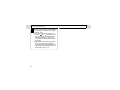
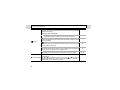
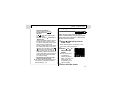
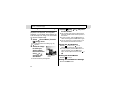
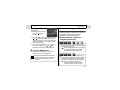
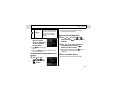
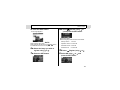
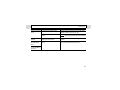
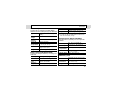
Movies can be shot with the following
resolutions.
Resolution
640 x 480 pixels
320 x 240 pixels
160 x 120 pixels
z Send images as email attachments
z Shoot more images
* Paper sizes vary according to region.
37