1
OTHER RECORDING FUNCTIONS
Combining Shots of Two People into a
Single Image (Coupling Shot)
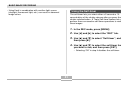
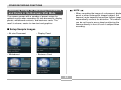
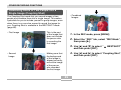
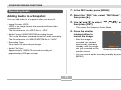
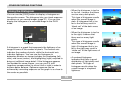
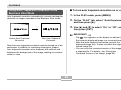
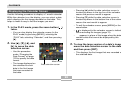
• Combined
Images
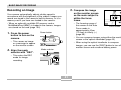
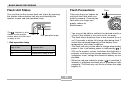
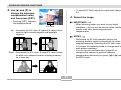
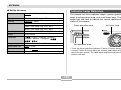
The Coupling Shot mode lets you record images of two
people and combine them into a single image. This makes
it possible for you to include yourself in group images, even
when there is no one else around to record the image for
you. Coupling Shot is available in the BESTSHOT mode
(page 65).
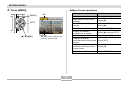
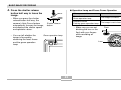
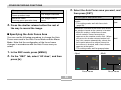
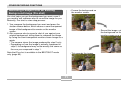
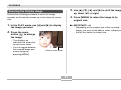
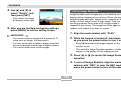
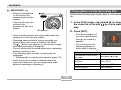
• First Image
This is the part
of the image that
does not include
the person who
is recording the
first image.
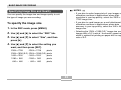
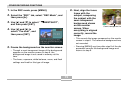
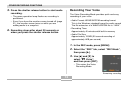
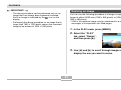
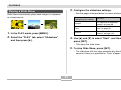
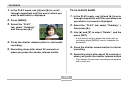
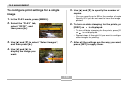
1. In the REC mode, press [MENU].
2. Select the “REC” tab, select “REC Mode”, and
then press [].
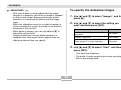
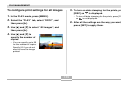
3. Use [] and [] to select “
BESTSHOT”,
and then press [SET].
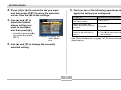
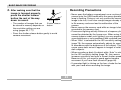
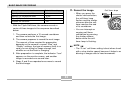
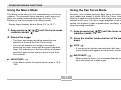
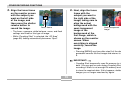
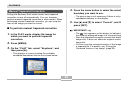
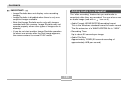
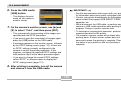
• Second
Image
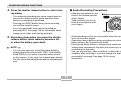
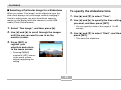
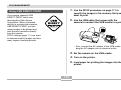
4. Use [] and [] to select “Coupling Shot”,
Making sure that
the background
of the image is
aligned correctly,
record the image
of the person
who recorded
the first image.
and then press [SET].
69