1
EN
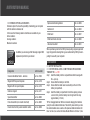
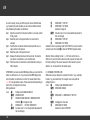
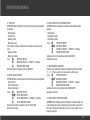
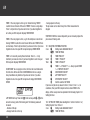
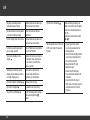
No pulse percentage of the
personal maximum pulse
Personal data has not been set,
timer has not been started
No data relative to training times
is in the set training ranges
Timer has not been started.
Start timer
Calorie display does not function
Personal data has not been set,
timer has not been started
LAP data cannot be displayed/
are no longer present
The LAP data have been deleted
prior to LAP RECALL
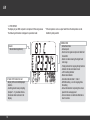
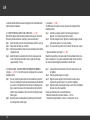
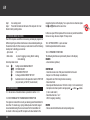
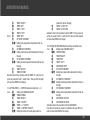
Tool-Icon is flashing on the
display
Service interval for your bicycle
is displayed. Take your bicycle
in for service or perform the
service yourself
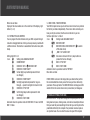
Walking shoe is shown in the
display (bicycle distance data is
no longer displayed) £
Walk mode is switched on.
In walk mode certain bike
functions are not available
The timer indicator is flashing
A timer is still running.
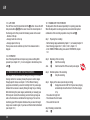
Bell icon is displayed
An alarm is set (alarm time)
The LAP icon is flashing
A LAP recording is still running.
End recording with the ∫
button
38
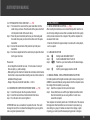
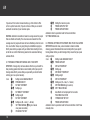
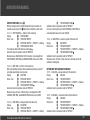
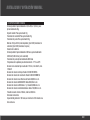
The REC icon is flashing
Data recording is running. All
data is recorded in the computer
and can be transferred later to
the PC.
End data recording with button
≈+ ç
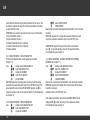
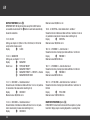
Data download from Z3 PC-Link/
Z2 PC-Link to the PC does not
function
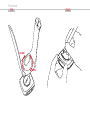
- Ensure that the computer
is correctly mounted on the
docking station
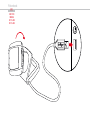
- Ensure that the docking station
is correctly connected to the
PC via USB connector
-Ensure that the PC Sport
software is open
- Ensure that PC-LINK has
been called and started in the
computer
- Ensure that the file Import
VDO series Z has been opened
and started in the PC Sport
program.