1
Using Continuous Shutter
NOTE
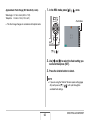
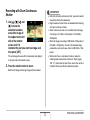
• The indicator “1sec” appears on the monitor screen
between Triple Self-timer shots. How long it takes for the
camera to get ready to shoot again after it shoots an image
depends on the image size and quality settings, whether or
not a memory card is loaded in the camera, and the flash
charge condition.
• You cannot use the any self-timer to shoot with any
continuous shutter mode.
• Triple Self-timer cannot be used with the following BEST
SHOT sample scenes: Business Cards and Documents,
Whiteboard, etc., Old Photo, ID Photo, and Movie.
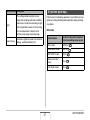
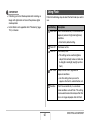
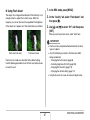
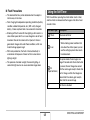
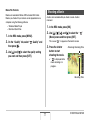
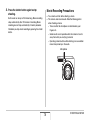
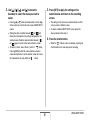
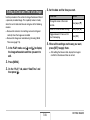
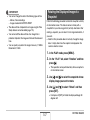
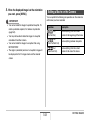
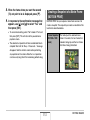
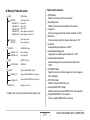
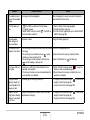
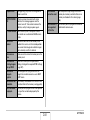
Your camera has four continuous shutter modes.
70
Continuous
Shutter Mode
Description
Normal Speed
(Normal-speed
Continuous
Shutter)
Continually records images until memory
becomes full.
High Speed
(High-speed
Continuous
Shutter)
Record up to three consecutive images
at high speed.
Flash Cont.
(Flash Continuous
Shutter)
Use this mode to record up to three
consecutive images, firing the flash for
each one.
Z
Zoom Cont.
(Zoom Continuous
Shutter)
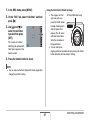
In this mode, you select an area on the
monitor screen with a selection
boundary. Then when you press the
shutter button, the camera records the
monitor screen image and the area
enclosed in the selection boundary,
digitally zoomed to twice its normal size.
SHOOTING A SNAPSHOT