1
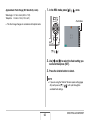
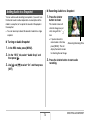
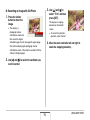
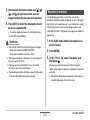
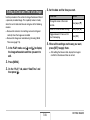
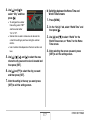
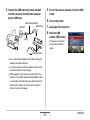
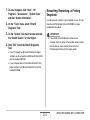
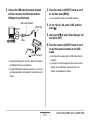
1. On your computer, click “Start”, “All
Retouching, Reorienting, or Printing
Snapshots
Programs”, “Accessories”, “System Tools”
and then “System Information”.
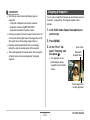
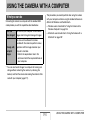
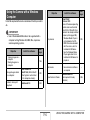
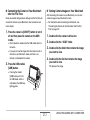
In order to retouch, reorient, or print snapshots on your PC, you
need to install Photohands from the CD-ROM that comes
bundled with the camera.
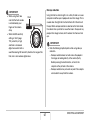
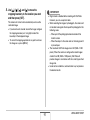
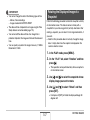
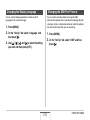
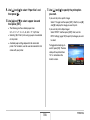
2. On the “Tools” menu, select “DirectX
Diagnostic Tool”.
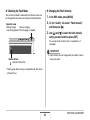
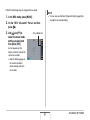
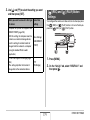
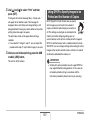
3. On the “System” tab, check to make sure that
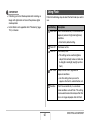
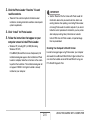
IMPORTANT!
• If you already have Photohands installed on your
computer, check its version. If the bundled version is newer
than the one you have, uninstall the old version of
Photohands and then install the newer version.
the “DirectX Version” is 9.0 or higher.
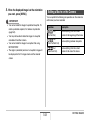
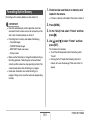
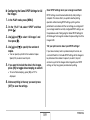
4. Click “Exit” to exit the DirectX Diagnostic
Tool.
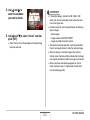
• If your PC already has Microsoft DirectX 9.0 or higher
installed, you do not need to install Microsoft DirectX 9.0c
from the bundled CD-ROM.
• If your computer does not have Microsoft DirectX 9.0 or
higher installed, install Microsoft DirectX 9.0c from the
bundled CD-ROM.
204
USING THE CAMERA WITH A COMPUTER