1
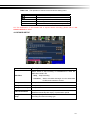
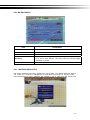
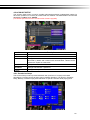
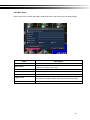
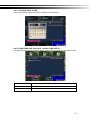
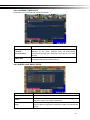
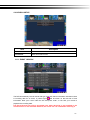
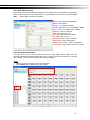
4-2.1 MOTION SETUP
Item
Description
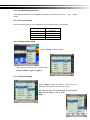
Alarm Duration(Seconds)
When motion detect,the number of seconds continuous alarm
1~4
You can setup independently for each channel.
Enable
Check the box to Enable/Disable motion detection for each channel.
Sensitivity
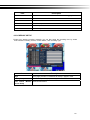
Motion Area Setup
Drag the white bar or press ◀ ▶ to set up Sensitivity from valu
e 1 to 10 for each channel. The lower value you set the highe
r sensitivity it will be
Enter to setup motion detection area
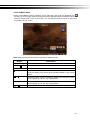
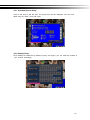
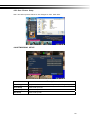
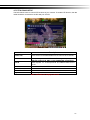
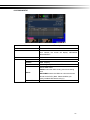
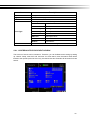
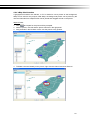
4-2.1.1 MOTION AREA SETUP
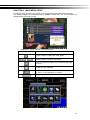
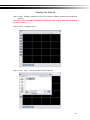
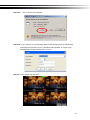
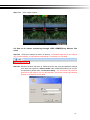
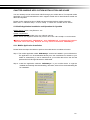
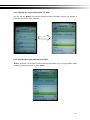
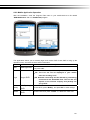
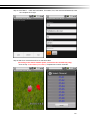
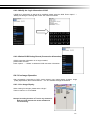
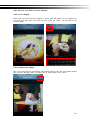
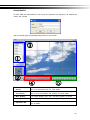
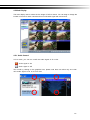
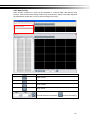
The motion detection has been divided into 16x12 grids. The default detection area is
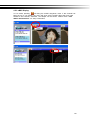
full screen as it marked in transparent for local DVR and purple for remote access.
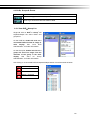
Areas deselected for motion detection are marked in red for both local and remote site.
21