1
Chapter 7. Accessing the Camera over the Internet
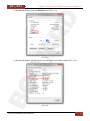
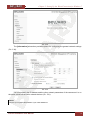
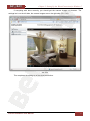
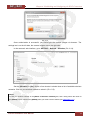
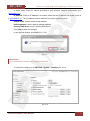
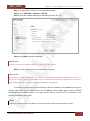
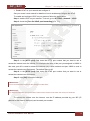
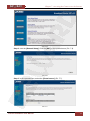
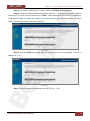
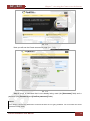
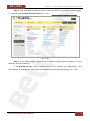
Step 3: if everything is correct, you will see the [One more step to go...] page (Pic. 7.15).
Pic. 7.15
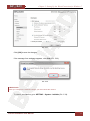
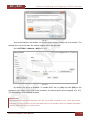
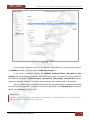
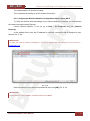
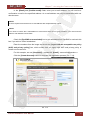
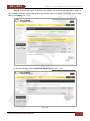
Step 4: you will receive an email confirmation message from «DynDNS Support» (the email address is [email protected]) to the email address you specified in your registration form.
Click the link to confirm the registration and to activate your account.
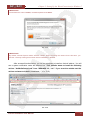
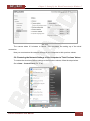
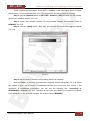
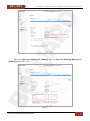
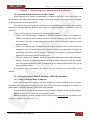
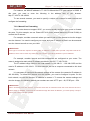
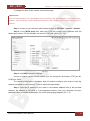
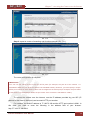
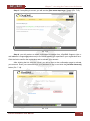
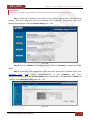
After clicking the link from the e-mail, you will be sent to the confirmation page to activate
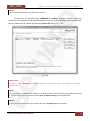
your account. Enter your username and your password to log in and click the [Confirm Account]
button (Pic. 7.16).
Pic. 7.16
N13103 Installation User Manual
68