1
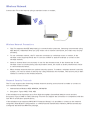
What is Remote Support?
Samsung Remote Support service offers you one-on-one support with a Samsung Technician who can
remotely.
●● Diagnose your TV
●● Adjust the TV settings for you
●● Perform a factory reset your TV
●● Install recommended firmware updates
How Does it Work?
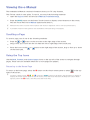
Having a Samsung Tech remotely service your TV is really pretty simple
Call Samsung Contact Center and
ask for remote support.
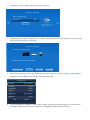
Open the menu on your TV and go
to the Support section.
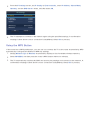
Select Remote Management and
Provide the Pin# to the agent.
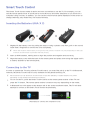
The agent will then access your TV.
That's it!