1
7-8
Symbol LS4208 Product Reference Guide
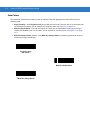
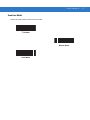
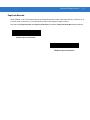
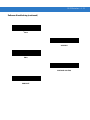
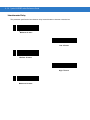
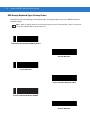
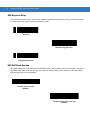
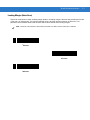
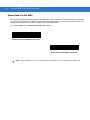
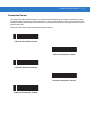
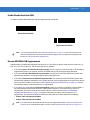
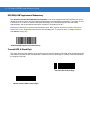
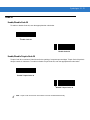
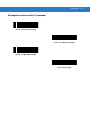
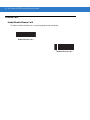
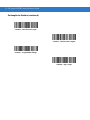
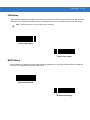
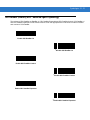
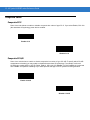
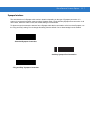
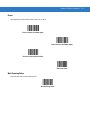
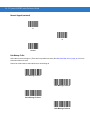
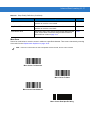
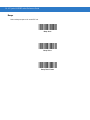
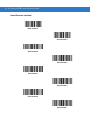
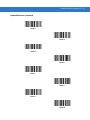
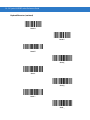
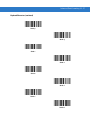
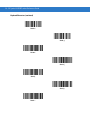
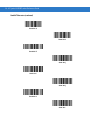
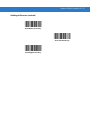
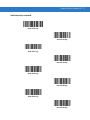
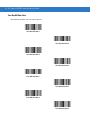
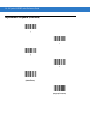
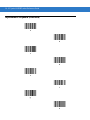
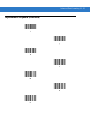
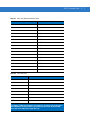
USB Keystroke Delay
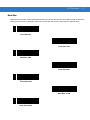
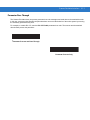
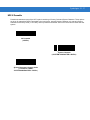
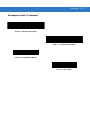
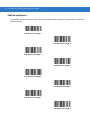
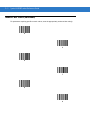
This parameter sets the delay, in milliseconds, between emulated keystrokes. Scan a bar code below to increase
the delay when hosts require a slower transmission of data.
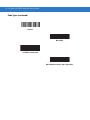
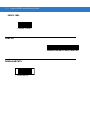
*No Delay
Medium Delay (20 msec)
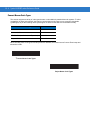
Long Delay (40 msec)
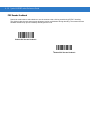
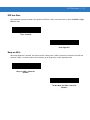
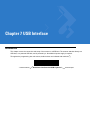
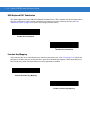
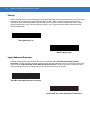
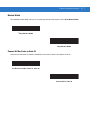
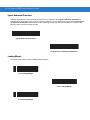
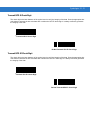
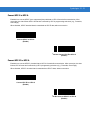
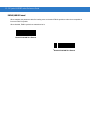
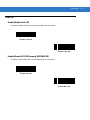
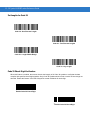
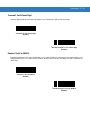
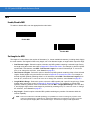
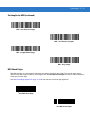
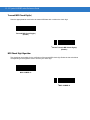
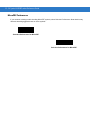
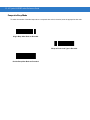
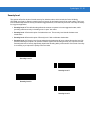
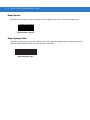
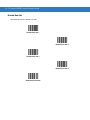
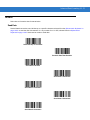
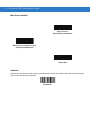
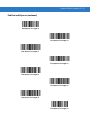
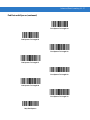
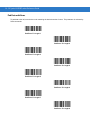
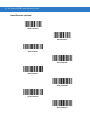
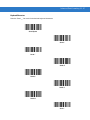
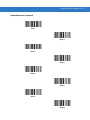
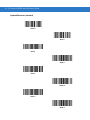
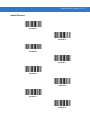
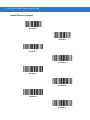
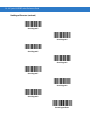
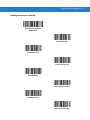
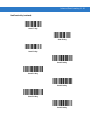
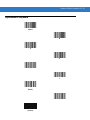
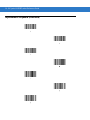
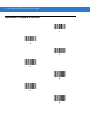
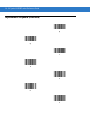
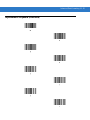
USB CAPS Lock Override
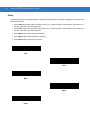
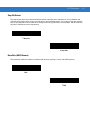
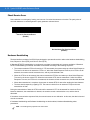
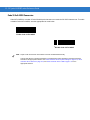
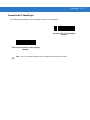
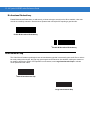
This option applies only to the HID Keyboard Emulation device. When enabled, the case of the data is preserved
regardless of the state of the caps lock key. This setting is always enabled for the “Japanese, Windows (ASCII)”
keyboard type and can not be disabled.
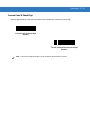
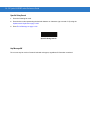
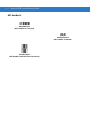
Override Caps Lock Key
(Enable)
*Do Not Override Caps Lock Key
(Disable)