1
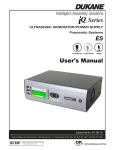
Series Servo Ultrasonic Press Systems ES User’s Manual
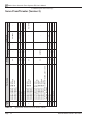
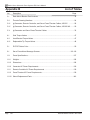
O - Continued
Operation
Start-up
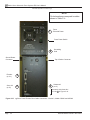
Generator 64
AC Breaker and Power Button 64
AC Breaker Only 65
iQ HMI 65
Other Equipment 65
Press 65
Press Base 65
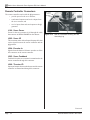
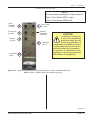
Remote Controller 65
P
Press Calibration 98
Press Height Adjustment 23
Press System Overview 3
Resources 3
System Defined 3
Versions Offered 3
Q
Quick Start 70
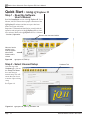
Step 1 - Read the Software User's Manual 70
Step 2 - Select Unused Setup 70
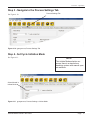
Step 3 - Navigate to the Process Settings Tab 71
Step 4 - Set Cycle Initiation Mode 71
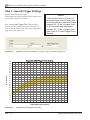
Step 5 - Specify Trigger Settings 72
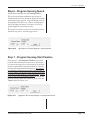
Step 6 - Program Sensing Speed 73
Step 7 - Program Sensing Start Position 73
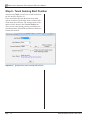
Step 8 - Teach Sensing Start Position 74
Step 9 - Program Weld Characteristics 75
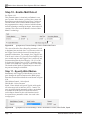
Step 10 - Enable Melt Detect 76
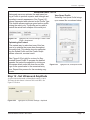
Step 14 - Test the Acoustic Stack 79
Step 15 - Specify Process Limits Behavior 80
Step 16 - Run Weld Cycle 81
Step 17 - View Weld Results 81
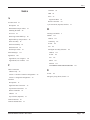
R
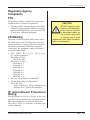
Regulatory Agency
Compliance 147
Replacement Parts 146
S
Software Support Features 68
Help System 69
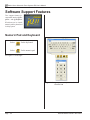
Numeric Pad
Keyboard 68
Quick Start 70
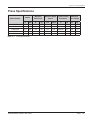
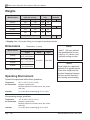
Specifications 125
Compressed Air Requirements 130
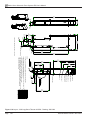
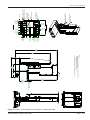
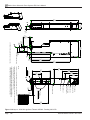
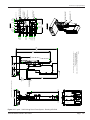
Dimensions 128
Operating Environment 128
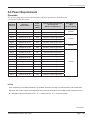
Power Requirements 129
Generator 129
Press 130
Remote Controller 130
Press 127
Weights 128
Status Display
Press Base 59
System Operational Test 83
Cycling the System 89
Restoring Factory Defaults 89
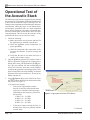
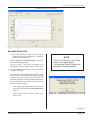
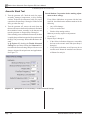
Test of the Acoustic Stack 86
Step 11 - Specify Weld Motion 76
Step 12 - Set Ultrasound Amplitude 77
Step 13 - Post Weld Settings 78
Page 160
Dukane Manual Part No. 403-578-01