1
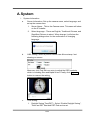
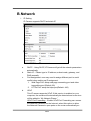
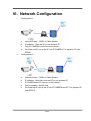
that video streams can be sent out from a LAN. There are three
External port can be set, Web Port, Http Port and RTSP port. To
utilize of this feature, make sure that your router supports UPnPTM
and it is activated.
Note: UPnP must be enabled on your computer.
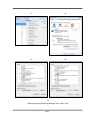
Please follow the procedure to activate UPnP
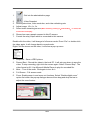
1. open the Control Panel from the Start Menu
2.
3.
4.
5.
e.
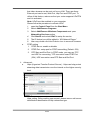
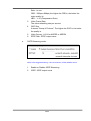
Select Add/Remove Programs
Select Add/Remove Windows Components and open
Networking Services section
Click Details and select UPnP to setup the service
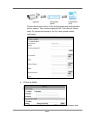
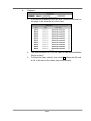
The IP device icon will be added to “MY Network Places”
6. User may double click the IP device icon to access IE browser
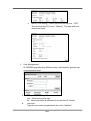
RTSP setting
1.
2.
3.
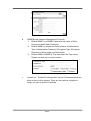
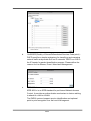
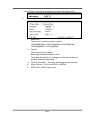
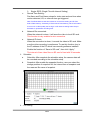
RTSP Server: enable or disable
RTSP Port: setup port for RTSP transmitting (Default: 554)
RTP Start and End Port: in RTSP mode, you may use TCP
and UDP for connecting. TCP connection uses RTSP Port
(554). UDP connection uses RTP Start and End Port.
ii、 Advanced:
a.
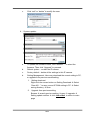
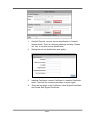
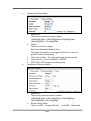
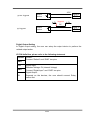
Https (Hypertext Transfer Protocol Secure):Https can help protect
streaming data transmission over the internal on the higher security
level.
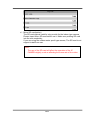
Https setting:Before setting new request, please remove old secure
identification identification at Http connection type.
21/43