1
Not to be shown outside N3SP, NHS CFH and
the CoIN Community
9 In Service / External Move
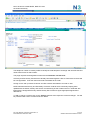
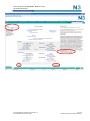
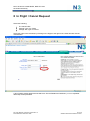
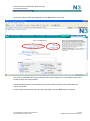
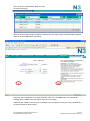
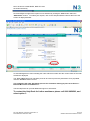
Follow the same process as described for an „In Flight / Cancel‟ request, click on the „Change an
Existing Service‟ button.
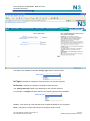
Select:
The service which is moving premises
„In Service‟ change Type of
„External Move‟ change Sub Type
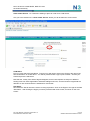
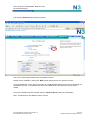
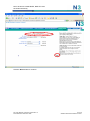
The „SIN‟ (Service Identification Number) field will then be visible.
Click on the Glyph to the right of the „SIN‟ field as circled above.
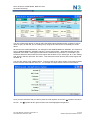
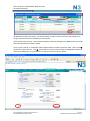
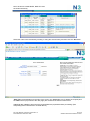
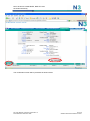
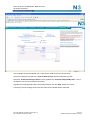
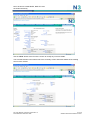
A list of live CoIN services against the site selected will be presented as shown below:
File: User Manual 10-08-2010 Approved V1 0
Issue N3SP-SPL-AGR-001: Date
31 of 38
©British Telecommunications Plc 2010